
People searching for devices compatible with Magis TV or Xupertv usually want to avoid installing the wrong APK. The practical answer is simple: Xupertv works best on Android-based devices such as Android TV, Google TV, Android TV Box, Firestick, Android phones and tablets. A PC can use it through an Android emulator. Samsung, LG and Roku Smart TVs normally cannot install Android APK files directly because they use their own operating systems.
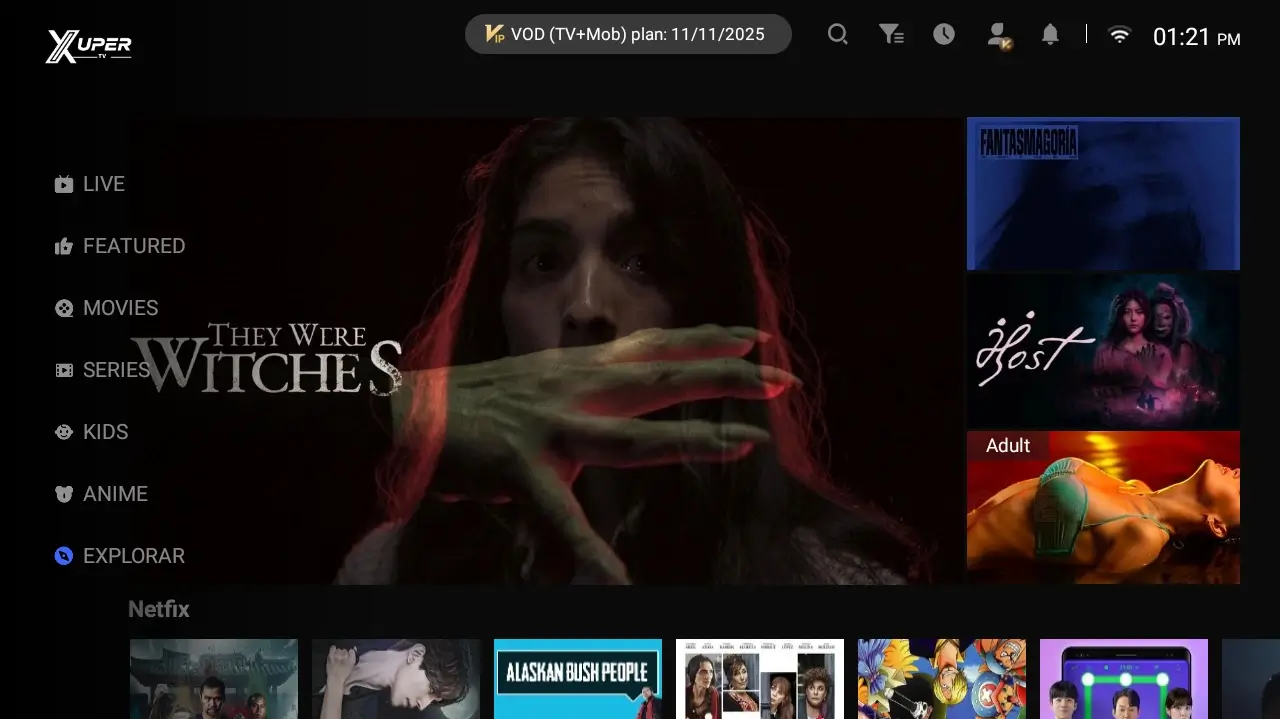
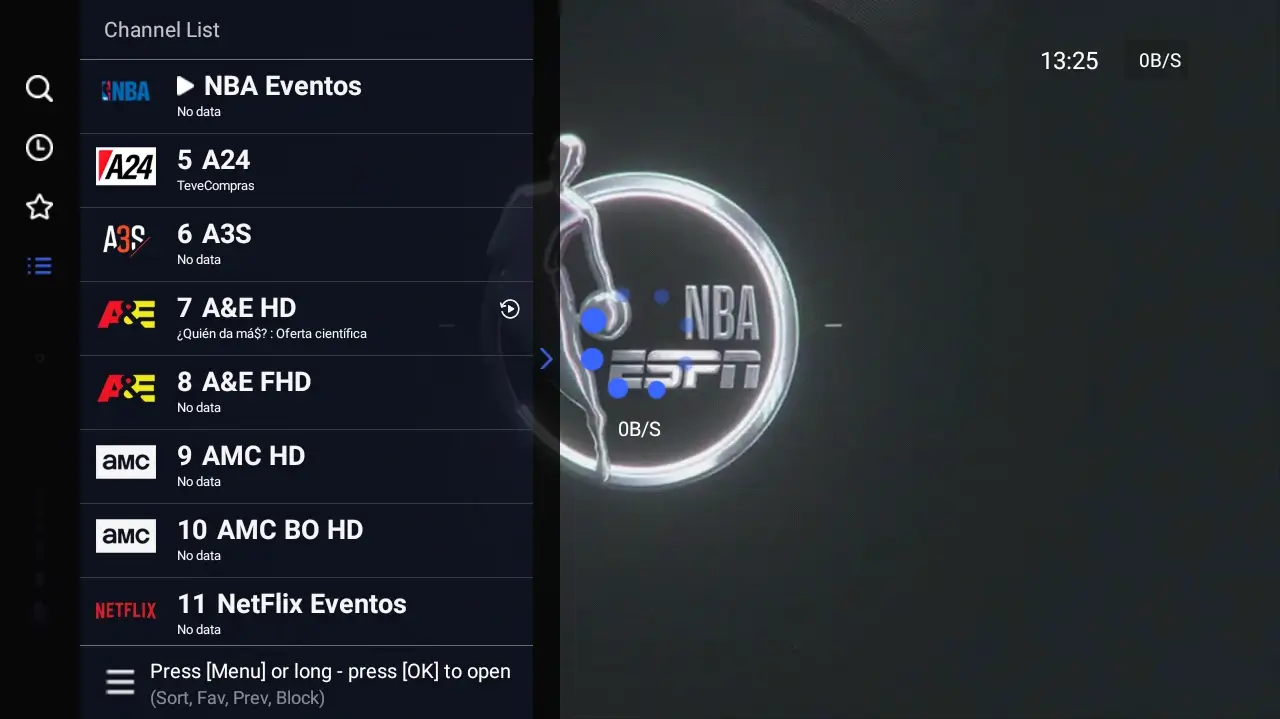
Fast compatibility table by device
The safest decision is to separate operating system from screen size. A large television is not always Android TV; many Smart TVs use Tizen, webOS or Roku OS. Those systems do not install APK files like an Android TV Box.
If your device runs Android or Fire OS, choose the version by control method. The TV version fits remote controls. The mobile version fits touch screens. On a computer, the APK runs inside an emulator rather than as a Windows program.
| Dispositivo | Compatibilidad | Versión recomendada | Ruta |
|---|---|---|---|
| Android TV / Google TV | Alta | APK TV | /download-tv |
| Amazon Firestick / Fire TV | Alta | APK TV | /blog/xpertv-apk-firestick |
| TV Box Android | Alta | APK TV | /download-tv |
| Celular o tablet Android | Alta | APK móvil | /download-mobile |
| PC Windows / Mac | Media | APK móvil con emulador | /blog/xpertv-apk-para-pc |
| Samsung Tizen / LG webOS | Sin APK directa | Dispositivo externo | /blog/xpertv-apk-smart-tv |
| Roku | Sin APK Android | Usar otra plataforma | /blog/alternativas-xuper-tv |
Android TV, Google TV, TV Box and Firestick
These are the most compatible devices because they accept Android apps or Android-based variants. The Xupertv TV version is built for large screens, remote-control buttons, horizontal menus and living-room playback.
On Android TV or Google TV, first confirm that your device allows APK installation. On Firestick, the process usually uses Downloader or a file manager plus the unknown-apps permission. On TV Box, the flow varies by brand but the logic is similar: download, open the APK and grant only necessary permissions.
The key difference from a regular Smart TV is the operating system. If the menu mentions Google TV, Android TV, Play Store or APK installation, there is a real path. If it mentions Tizen, webOS or Roku Channel Store, do not expect direct APK installation.
Use the TV version
Best for remote controls, big screens and channel menus.
Enable permissions carefully
Allow unknown apps only during installation and disable the permission afterward when possible.
Watch storage
Delete old installers on Firestick or TV Box if storage is low.
Phone, tablet and PC: when to use the mobile version
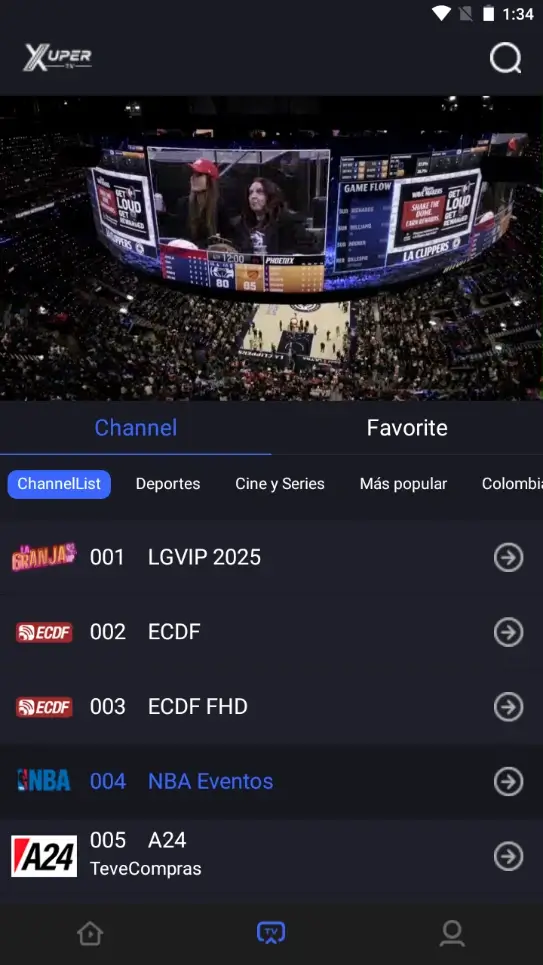
The mobile version is designed for touch screens, mobile data, portrait rotation and finger navigation. It is the right choice for Android phones and tablets. It is also the most reasonable base for a PC emulator because it usually responds better to mouse input than a TV interface.
Windows and macOS do not open APK files natively. If a page promises a Xupertv EXE installer without explaining an emulator, treat it carefully. The safer method is to install a known emulator, download the mobile APK from the matching page, and tune resolution, audio and network inside the emulator.
On PC, performance depends heavily on the computer. Enough RAM, virtualization and a stable connection reduce black screens, buffering and crashes.
| Caso | Qué usar | Motivo |
|---|---|---|
| Celular Android | APK móvil | Interfaz táctil y descarga directa |
| Tablet Android | APK móvil | Mejor ajuste de pantalla y controles |
| Laptop Windows | APK móvil en emulador | Windows no instala APK por sí solo |
| Mac | APK móvil en emulador compatible | Depende del emulador y del chip |
| TV conectada a PC | Mejor evaluar TV Box o Firestick | El control remoto y rendimiento suelen ser mejores |
Samsung, LG and Roku: why direct APK installation fails
Many searches mix Smart TV with Android TV, but they are not the same. Samsung uses Tizen, LG uses webOS and Roku uses its own system. These platforms do not accept Android APK files as a normal install method.
The practical solution is an external compatible device. Firestick, Chromecast with Google TV, an Android TV Box or an Android TV device gives the television a platform that can run the APK.
If you already own a Samsung or LG TV, use the Smart TV guide to choose between an external device, screen mirroring or an official app from the TV store. Compatibility depends on the operating system, not only on the brand.
| Marca o sistema | ¿Instala APK? | Solución realista |
|---|---|---|
| Samsung Tizen | No de forma directa | Firestick, Google TV o TV Box |
| LG webOS | No de forma directa | Dispositivo externo o app oficial |
| Roku | No usa APK Android | Usar canal compatible o otro dispositivo |
| Android TV integrado | Sí, si permite fuentes externas | APK TV |
| Google TV | Sí, con permisos | APK TV |
Risk signs when searching for compatibility
Compatibility searches attract many clones because users are willing to test unknown files. Avoid downloads that claim one universal version for Samsung, LG, Roku, iPhone, Windows and Android at the same time.
An APK belongs to the Android ecosystem. If your device cannot install APK files, you need a compatible device, not a renamed or modified package.
Before installing, confirm version, approximate size and device type. If those details do not match the download page, stop and check the source.
Universal promises
Be cautious with files claiming to work on every system without limitations.
Included accounts
Avoid packages that promise premium access, keys or shared accounts.
Aggressive shorteners
Several redirects are a signal to look for a clearer documented route.
How to decide in under a minute
If the device has Android TV, Google TV, Fire OS or is an Android TV Box, use the TV version. If it is an Android phone or tablet, use the mobile version. If it is a computer, use the PC emulator guide. If it is Samsung, LG or Roku without Android, consider an external device before downloading any APK.
This split also keeps the site useful: the TV download page covers the large-screen APK, the mobile page covers phones and tablets, and the Firestick, Smart TV and PC guides solve device-specific problems. This page is the decision map before installation.