
The query Magis TV name change usually means one thing: users want to know whether the app they knew disappeared, whether Xuper TV is the continuation, whether they should update, whether it now charges, or whether they should install another APK. The cautious answer is that many users and technology articles describe Xuper TV as a successor or continuation of the Magis TV ecosystem, but that does not make every file using that name safe. Before installing, separate three things: the commercial name you see, the real APK source, and the device where you will use it.
What it really means when Magis TV changed name
In practice, the phrase does not always describe a documented official rebrand. It often summarizes what users see: Magis stops working, links using Xuper TV appear, social groups mention a new version, and many pages present Xupertv as the replacement. The important point is not only the name; it is whether the download matches your device and comes from a source you can evaluate.
A name change may come from a real migration, a clone that copies the interface, a community build, or a page using search traffic. If the file does not explain version, size, device, date, and permissions, the name alone does not protect you. Be extra careful with claims such as free premium, included account, unlocked channels, or one installer for Windows, iPhone, Smart TV, and Android at the same time.
The safest way to think about Xuper TV or Xupertv is as an Android app with separate device paths. TV and Firestick need a remote-friendly TV build; phones and tablets need a mobile build; PC needs an emulator; iPhone does not install APK files; Samsung Tizen and LG webOS usually need an external Android device.
| What you see | What it may mean | Practical decision |
|---|---|---|
| Magis now appears as Xuper | Rebrand, successor, or similar-name clone | Verify source, version, and device |
| Premium or pro APK | Modified file or marketing claim | Do not install without clear origin |
| Magis TV is charging | Model change, clone, or different service | Do not pay until identity and terms are clear |
| PC installer | Should normally mean APK plus emulator | Avoid unknown EXE files |
So, is Xuper TV the same as Magis TV?
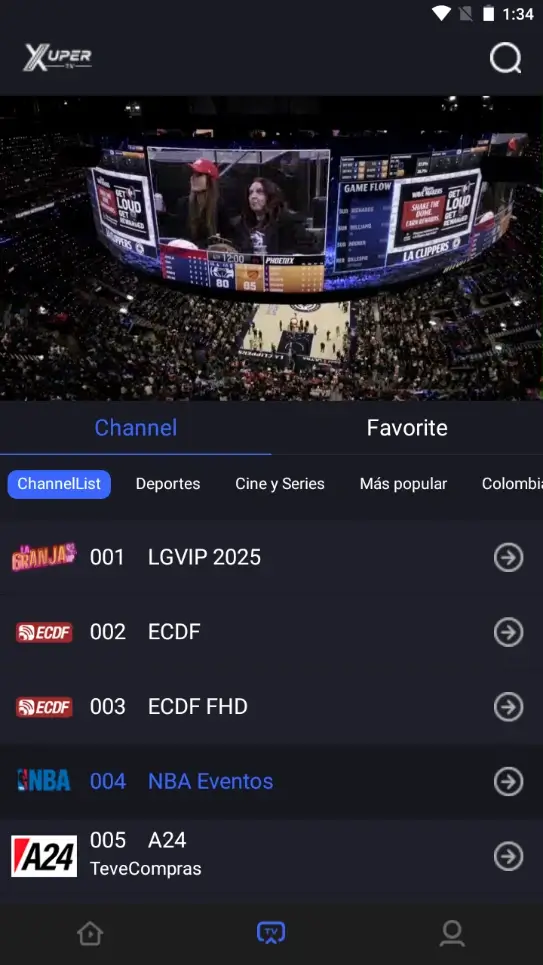
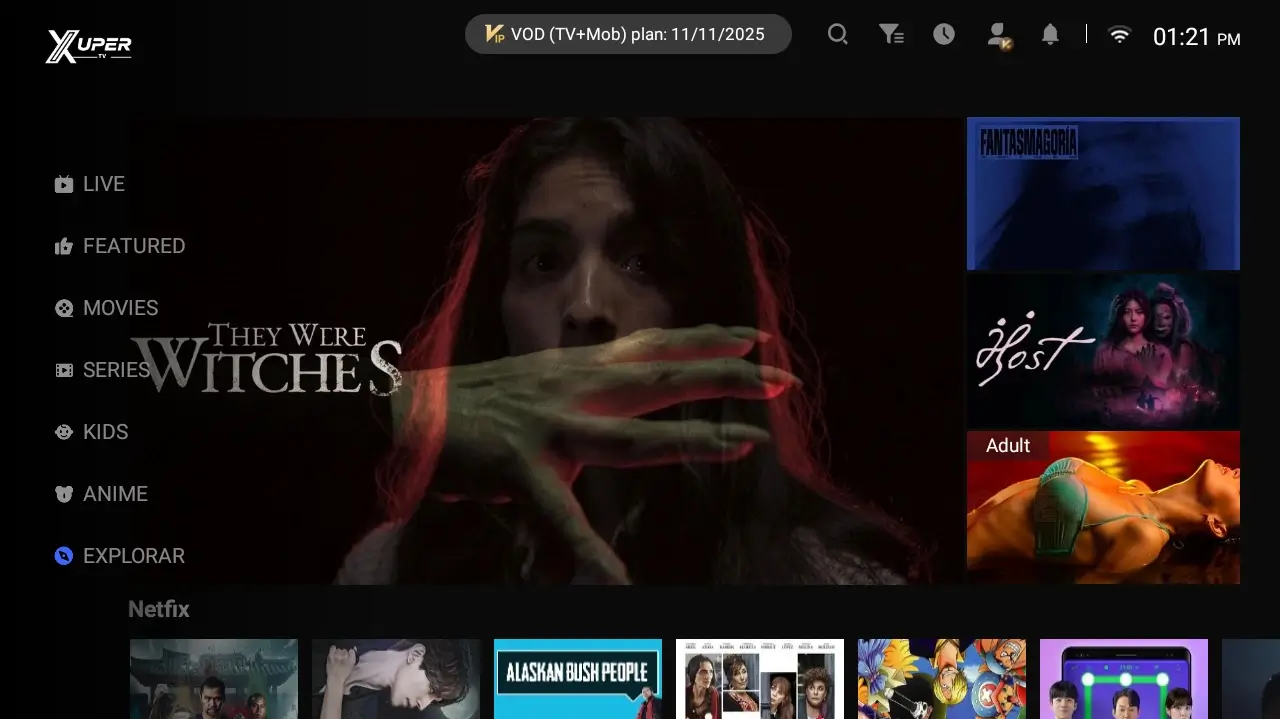
For ordinary users, Xuper TV occupies the same search space as Magis TV: an Android streaming APK that promises channels, movies, series, and sports. Several technology articles describe Xuper TV as a successor or continuation of Magis TV, which explains why the brand queries overlap.
From a practical SEO and safety perspective, it is better not to claim that every file called Xuper is automatically the same product or from the same source. APK names are easy to copy. Two files can show similar icons but request different permissions, use different versions, or behave differently after installation.
This page therefore does not replace the download pages. Its job is to help you decide whether your intent is understanding the change, fixing an error, comparing alternatives, installing on a specific device, or choosing a safer official service.
| Search intent | Best page | Reason |
|---|---|---|
| Understand the name change | This guide | It explains context, risk, and next step |
| Install on Android TV or Firestick | /download-tv | You need TV version and permissions |
| Install on Android phone | /download-mobile | The mobile interface is different |
| Compare official or similar options | /blog/alternativas-xuper-tv | The intent is no longer only a name change |
Common risks when an app changes name
The biggest risk is not the name change itself. The problem is that users lose reference points. When a brand fragments, mirror pages, short links, private groups, and repackaged files appear quickly. Some only want traffic; others may distribute APKs with aggressive ads, excessive permissions, or behavior that differs from what users expect.
There is also an expectation risk. A user searching for a Magis TV name change may assume any Xuper TV button will restore channels, accounts, or old settings. That is not guaranteed. If the original issue was a regional block, server outage, outdated version, or account screen, a new name does not automatically solve it.
Before installing, check update date, file size, source page, TV or mobile version, unknown-app permission, and system compatibility. If a page says one file works for Android, iOS, Windows, Roku, and Samsung without explaining the differences, it is oversimplifying.
Limit installation permission
Allow unknown apps only for the browser, Downloader, or file manager you are using, then disable it if you no longer need it.
Check version and size
A file without version, date, or clear device target is harder to verify.
Avoid included accounts
Shared accounts, unlocked premium claims, and mods are strong warning signs.
What to do if you came from Magis TV and want to use Xupertv
Start with your device. For Android TV, Google TV, TV Box, and Firestick, use the TV download route because it is designed for remote controls and large screens. For Android phones or tablets, use the mobile version. For PC, use an emulator guide; do not search for a standalone EXE. For iPhone, do not try to install an APK because iOS uses a different app system.
Then decide whether your problem is the app or the environment. If Magis stopped opening, it may be a block, an old version, or a temporary outage. If Xuper TV opens but does not play, check network, cache, permissions, date and time, and free space. If a payment or subscription screen appears, do not enter details until you understand the service and source.
If you want lower legal or security risk, consider official streaming services available in app stores. This guide explains the name-change query; it does not promise that an external APK is the best choice for every user.
| Your case | Recommended route | Note |
|---|---|---|
| Android TV, Google TV, or TV Box | /download-tv | Use TV version |
| Firestick | /blog/xpertv-apk-firestick | Install with Downloader and limited permissions |
| Android phone | /download-mobile | Use mobile version |
| Windows or Mac PC | /blog/xpertv-apk-para-pc | Use an Android emulator |
| Samsung, LG, Roku, or iPhone | /blog/dispositivos-compatibles-xupertv | Check limits before downloading |
Related queries that should not become another page
Not every variation deserves a new URL. Phrases such as Magis TV is charging, Xuper APK premium download, or download Xuper that works are better handled as FAQ items, warnings, or internal anchors because the user intent depends on the underlying problem. Creating a separate page for every close variant would duplicate content and confuse both readers and search engines.
The boundary of this page is clear: explain the name change and help the reader choose the next step. If the user already decided to install on a device, the device guide is better. If the user wants alternatives, the comparison guide is better. If the user has a technical error, the troubleshooting guide is better.
| Keyword | Recommended use | Reason |
|---|---|---|
| magis tv is charging | FAQ in this guide | Secondary concern inside the name-change topic |
| xuper apk premium download | No action | Risky mod/premium intent and weak editorial fit |
| apps similar to Magis TV for PC | Support in alternatives or PC guide | Different intent from name change |
| install Magis TV on Samsung TV | Support in Smart TV guide | The Samsung/LG compatibility page already fits |