
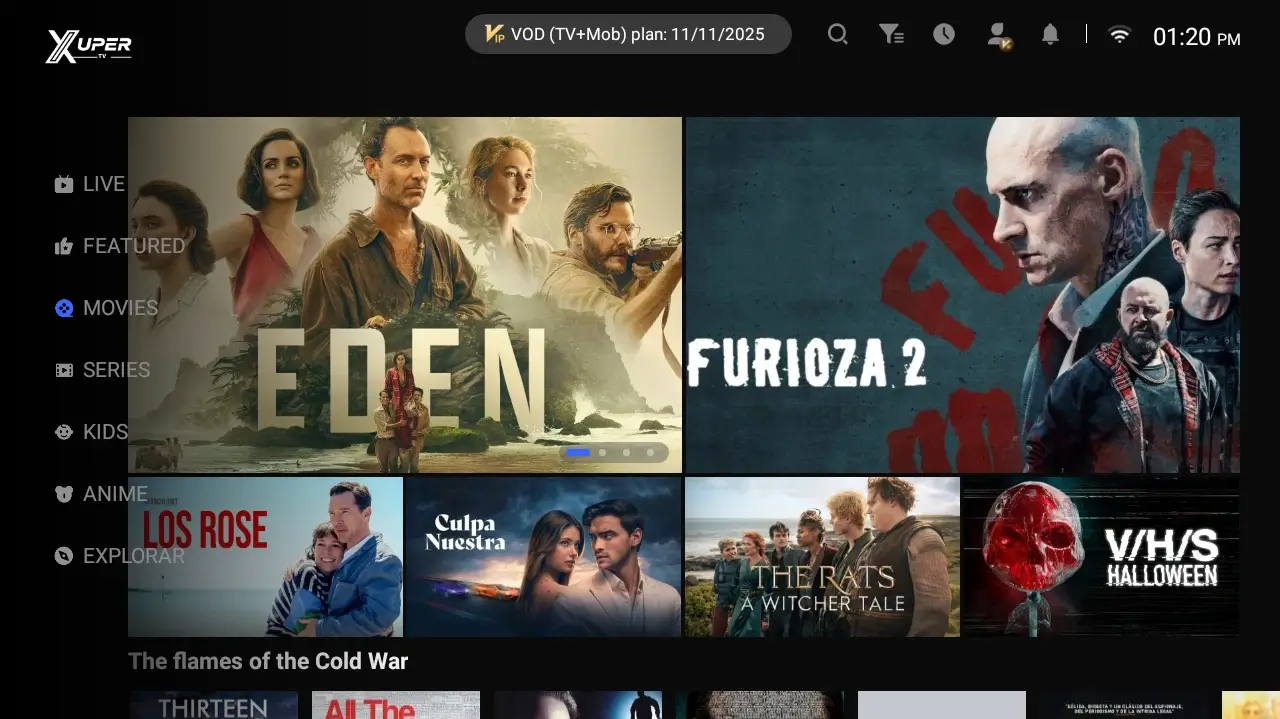
The search Xuper TV on TV Box has a different intent from Xuper TV Smart TV: the reader already has an Android box connected to the television and wants to know whether the TV version can be installed, how to open an APK with a remote and what to do when an error appears. The responsible answer is to check the operating system and source first. An Android TV or Google TV Box may accept APK files; that does not make every file on the Internet official, safe or current.
Does Xuper TV work on every TV Box?
Not every device sold as a TV Box uses the same operating system. Look for Android TV, Google TV or an Android version with Play Store access and a setting for installing unknown apps. If the box only exposes a proprietary system, a very limited menu or a player that cannot install Android packages, do not force the APK.
Android version and architecture matter too. An older box may download a file but fail during installation because the package is incompatible, storage is full or the architecture is different. Before opening a download button, open Settings, check available storage and confirm that the remote can move through the file manager.
The brand name alone is not enough. An Android TV Box can work even when the television itself is Samsung or LG because the app runs on the external box. Installing an Android APK directly on Tizen, webOS or Roku does not work simply because the screen is a Smart TV.
| Environment | APK installation likelihood | What to check |
|---|---|---|
| Android TV Box | High when the version matches | Play Store, storage and unknown-app permission |
| Google TV / Android TV Box | High when the package is compatible | Android version, architecture and file manager |
| Generic Android box | Variable | Version, permissions, remote and storage |
| Samsung Tizen or LG webOS without a box | Not directly | Use a compatible external device |
| Roku OS | Not as an Android APK | Use the Roku-specific guide |
Version, file size and source: what is actually verified
In the source review completed on August 2, 2026, I did not find a first-party page that independently confirmed a current Xuper TV version for TV Box, its file size, its Android package identity and a stable download URL. Version numbers shown on third-party pages do not agree, so they are not presented here as the latest version or as a safe download.
That limitation changes how this guide should be used. The goal is not to push you toward any file that says TV Box or premium; it is to show how to check the source, domain, package name, date and size before opening it. If a button leads to a countdown, an unexplained mirror or a URL with temporary parameters, treat it as a warning rather than proof of authenticity.
The site's TV download guide keeps the verification status visible and does not replace a missing official source. Do not install a mobile version on a TV Box just because the name looks similar: the interface, remote controls and compatibility may be different.
| Data point | Status in this review | Practical decision |
|---|---|---|
| Latest version | Not confirmed by a first-party source | Do not claim latest or replace it with a third-party number |
| APK file size | Not verified | Do not use size as a safety signal |
| Package and signature | Not verifiable from the available sources | Do not install when identity is unclear |
| Stable direct file | Not confirmed | Use the verification page as a fallback |
Check date
Source and download fields were reviewed on August 2, 2026. A new first-party release must be checked again before it is called current.
Avoid mods and clones
Premium, modded, unlimited or secret-code wording does not prove that a file is original. Do not enter credentials on a source you cannot verify.
Leave free storage
Keep room for the installer and cache. A full TV Box can fail during installation even when the APK itself is valid.
How to install Xuper TV on an Android TV Box
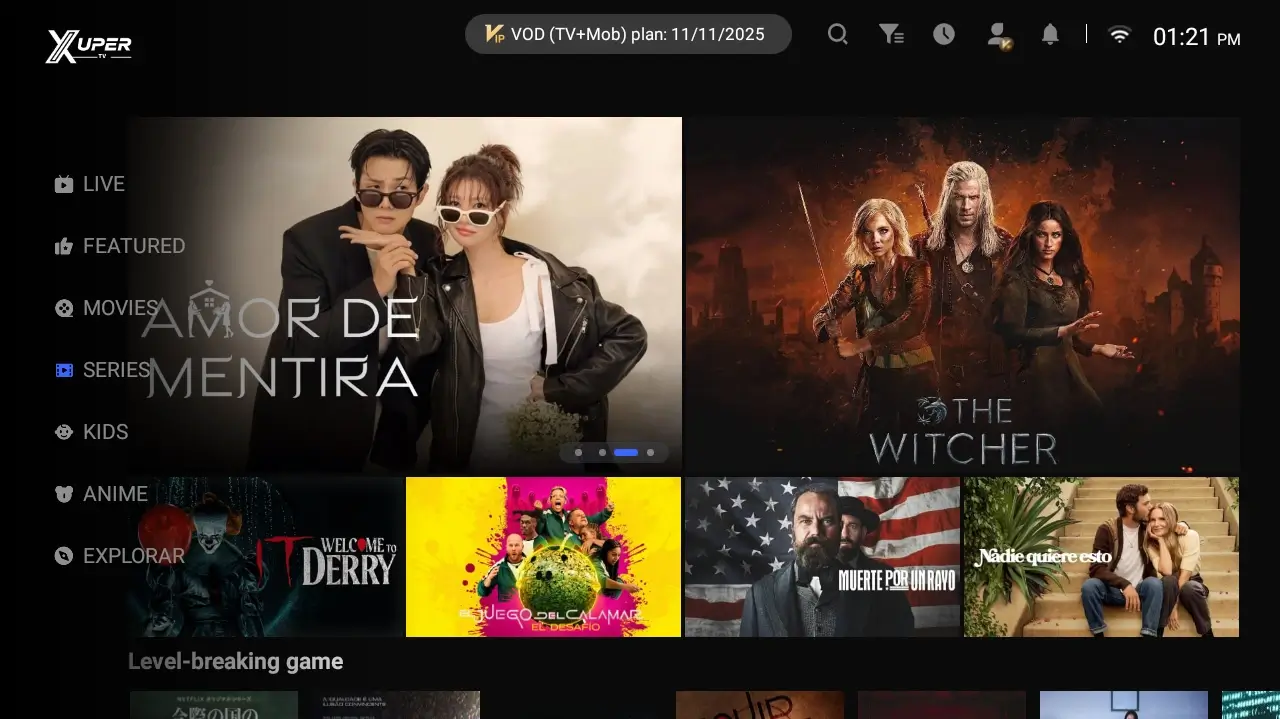
The most stable method depends on the tools already available on the box. If it has a browser and file manager, download from a page you can inspect, wait for the file to finish and open it from Downloads. Grant the install-unknown-apps permission only to the browser or file manager you are using.
If the TV Box browser is awkward, download the file on a computer only after the source and filename are clear. Copy the installer to a USB drive, connect it to the box and open it with a compatible file manager. Do not run files that change names, request unexplained codes or open several redirects.
After installation, return to Settings and turn off unknown-app permission if you do not plan to install anything else. Open the app with the remote, check that menus can be navigated without touch input and delete the installer only after you have decided that the source was trustworthy.
If you are searching how to download Xuper TV on a TV Box, start by identifying the box's Android version and architecture. Open the TV verification route, confirm the source and device type, and continue only when the file and its permissions make sense; a generic TV Box does not make every APK compatible.
| Method | When to use it | Risk to control |
|---|---|---|
| TV Box browser | The box has a usable browser and keyboard | Check the domain and browser permission |
| USB drive | TV downloading is slow or difficult | Use a file with a clear source and filename |
| File manager | The APK is already stored locally | Avoid duplicate or modified packages |
Remote control, storage and network checks after installation
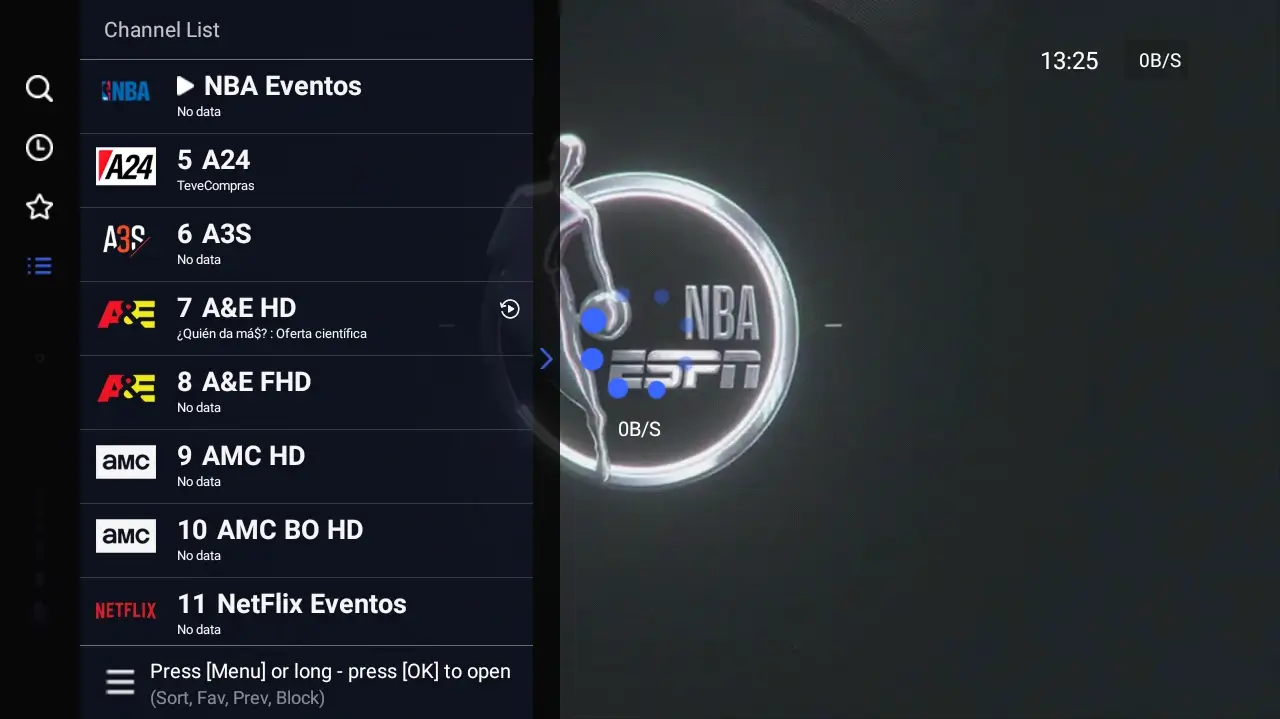
A TV Box can install an app and still provide an uncomfortable experience. Check that focus moves with the arrow keys, that Back closes menus sensibly and that the app does not require phone-style gestures. If the remote cannot reach a button, temporarily connect a USB mouse to distinguish an interface issue from an installation issue.
Storage affects reliability as well. Clear large caches, leave room for updates and do not keep several copies of the same APK. If the box restarts or becomes hot, first reduce background apps and improve ventilation before blaming the network or downloading another file.
For streaming, test a stable 5 GHz connection or Ethernet when available. A loading screen does not prove that the file is broken: it may be a slow network, an unavailable source, an account problem or a service that is not responding. Record the exact message before changing files.
Common Xuper TV TV Box errors
A parse error usually points to an incomplete file, a package that does not match the architecture or an installer the box cannot read. Delete the file, restart the TV Box and review the source again; downloading several copies from different pages only increases uncertainty.
If the app installs but is missing, look under All Apps, restart the launcher and check whether the system blocked it. If it closes immediately, check Android, storage, permissions and remote compatibility. If it shows a black screen or buffering, separate playback from installation: test the network and note whether the problem affects every item or only one.
Do not disable system protections or install a mod to bypass an error. When a page claims that only its private code can fix the box, compare it with the site's Downloader and troubleshooting guides first. A solution that demands credentials or excessive permissions deserves a pause and a second review.
| Symptom | Possible cause | First step |
|---|---|---|
| Parse error | Incomplete file or incompatible architecture | Delete it, review the source and check Android |
| App is missing | Launcher, blocked install or filtering | Open All Apps and restart |
| Black screen or buffering | Network, service or unavailable content | Test Ethernet/5 GHz and save the message |
| Box restarts | Heat, storage or unstable system | Free space and improve ventilation |
When to stop the installation
Stop if you cannot identify the source, the filename changes, the button downloads an unexpected extension or the page promises an exact version without verifiable details. Keep the TV Box unchanged and return to the TV download guide when a source can actually be checked.
If your equipment is Samsung Tizen, LG webOS or Roku and you do not have an Android TV Box, do not search for an APK that supposedly converts the system. Use the Smart TV, Firestick, Chromecast or Roku guide for the external device you really own. Separating these paths prevents incompatible files and avoids confusing a Smart TV screen with an Android environment.
The best answer to Xuper TV on TV Box is not a random link; it is a reproducible check. Identify the system, validate the source, install only when the details are coherent, test the remote and network, and preserve the exact error message if something fails.