
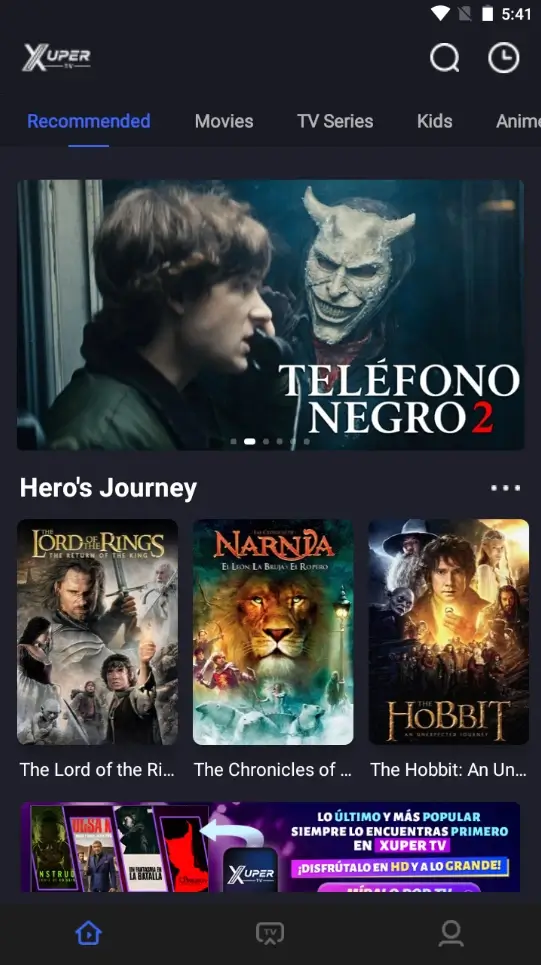
Roku OS does not run Android APK files. This guide explains why developer mode and ZIP packages do not convert Xuper TV into a Roku channel, plus realistic Roku Express alternatives.
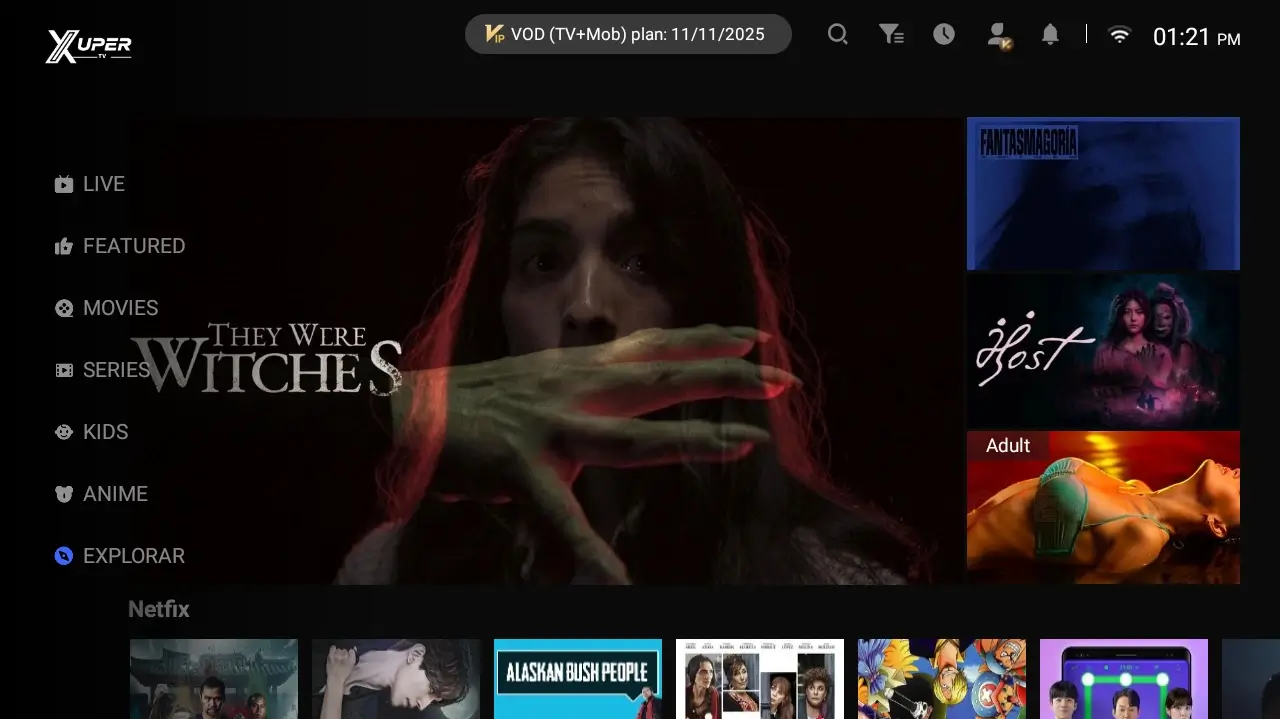
Can You Install Xuper TV on Roku?
The short answer is no. Roku uses Roku OS and runs channels built for that platform. Android APK packages require Android and Roku has no APK installer.
This page targets the narrow Roku ZIP and Roku Express intent rather than replacing the broader compatible-devices guide.
Xuper TV Roku ZIP and Developer Mode
Roku developer mode can sideload a test package created with Roku development tools. It does not translate Android code or accept an APK merely placed inside a ZIP file.
Treat anonymous ZIP downloads as unverified unless the publisher clearly identifies the developer, permissions, and Roku-specific implementation.
Real Options for Roku Express
Screen mirroring from a compatible Android phone is the least invasive option. The app remains on the phone, so playback depends on device support, Wi-Fi, and content restrictions.
For a stable TV setup, connect a Firestick, Chromecast with Google TV, or Android TV box. Those devices provide an Android environment for compatible APK files.
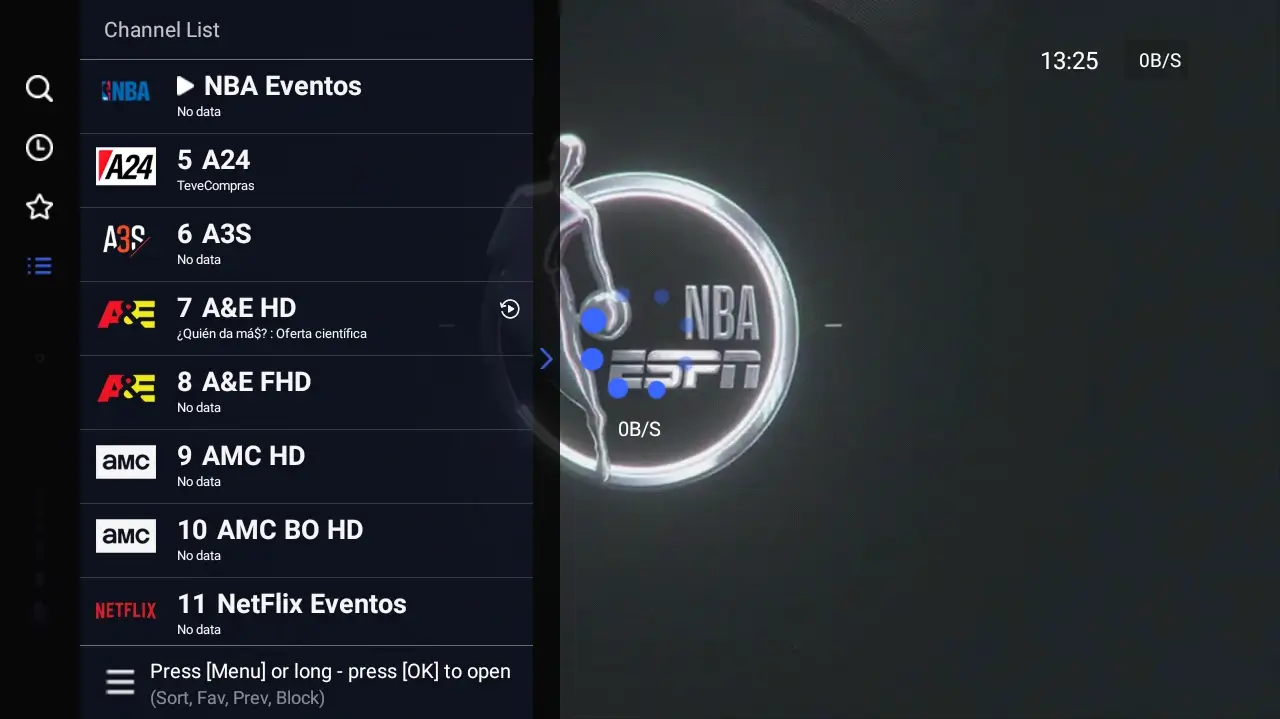
Risks of Fake APK, ZIP, and Private Channels
Avoid offers for free premium access, bundled accounts, universal private channels, or one file claiming to support Roku, Samsung, LG, iPhone, and Android.
Never enter developer codes, PINs, or credentials on anonymous pages. Prefer Roku documentation and identifiable sources.
Choose the Right Alternative
Use screen mirroring if Roku Express is your only device and you accept that it is not a native installation. Choose an Android device if you want remote control and an installed TV app.
Use the Smart TV or Firestick guides for those platforms, and the compatible-devices guide for a broader comparison.