
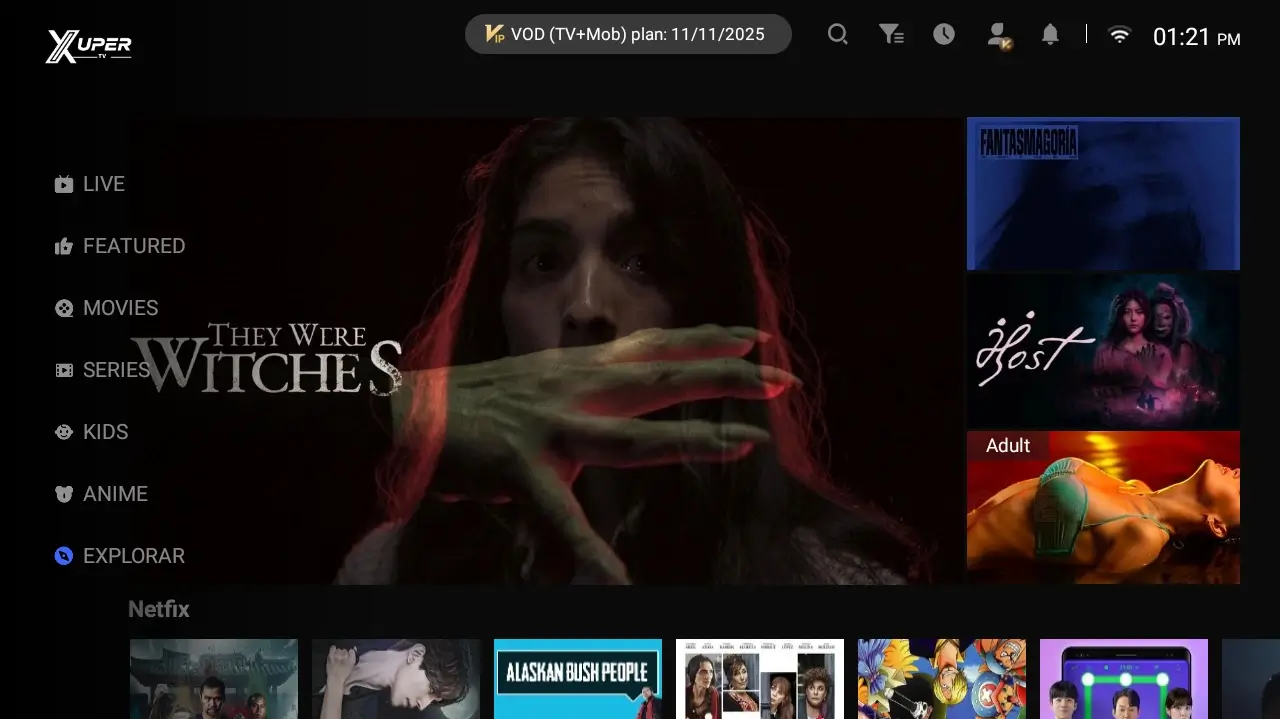
Magis TVやXupertvの対応デバイスを調べる人は、たいていAPKを入れる前に端末を確認したい状態です。実用的な答えは、XupertvはAndroid TV、Google TV、Android TV Box、Firestick、Androidスマートフォン、AndroidタブレットのようなAndroid系端末と相性が良いということです。PCではAndroidエミュレーターを使います。Samsung、LG、Rokuの多くのSmart TVは独自OSのため、Android APKを直接インストールできません。
デバイス別の対応早見表
安全に判断するには、画面サイズではなくOSを先に確認します。大きなテレビでもAndroid TVとは限りません。多くのSmart TVはTizen、webOS、Roku OSを使っており、Android TV BoxのようにAPKを入れられません。
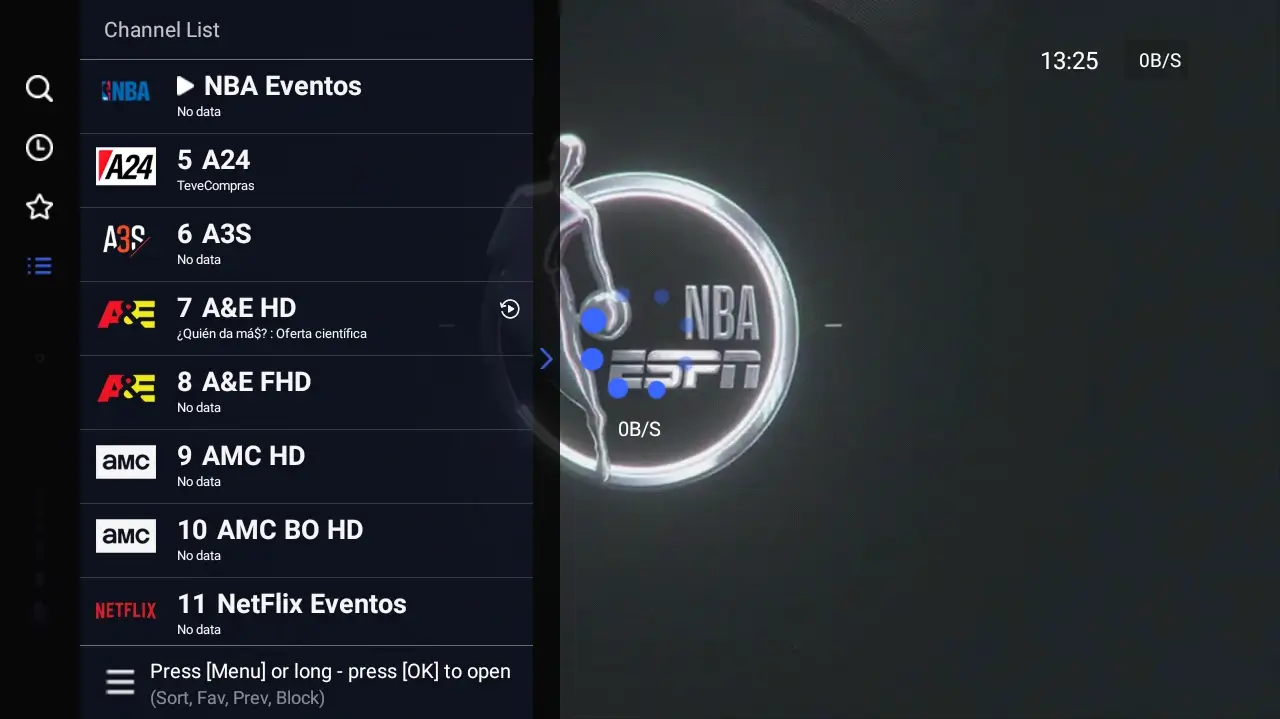
AndroidまたはFire OSの端末なら、操作方法でバージョンを選びます。リモコン操作ならTV版、タッチ操作ならモバイル版が自然です。PCではAPKをWindowsアプリとして開くのではなく、Androidエミュレーター内で動かします。
| Dispositivo | Compatibilidad | Versión recomendada | Ruta |
|---|---|---|---|
| Android TV / Google TV | Alta | APK TV | /download-tv |
| Amazon Firestick / Fire TV | Alta | APK TV | /blog/xpertv-apk-firestick |
| TV Box Android | Alta | APK TV | /download-tv |
| Celular o tablet Android | Alta | APK móvil | /download-mobile |
| PC Windows / Mac | Media | APK móvil con emulador | /blog/xpertv-apk-para-pc |
| Samsung Tizen / LG webOS | Sin APK directa | Dispositivo externo | /blog/xpertv-apk-smart-tv |
| Roku | Sin APK Android | Usar otra plataforma | /blog/alternativas-xuper-tv |
Android TV、Google TV、TV Box、Firestick
これらはAndroidアプリ、またはAndroidベースのアプリを扱えるため、もっとも相性が良い端末です。XupertvのTV版は、大画面、リモコンのボタン、横方向のメニュー、リビングでの視聴に合わせて作られています。
Android TVやGoogle TVでは、まずAPKファイルからのインストールを許可できるか確認します。FirestickではDownloaderやファイルマネージャーを使い、インストール元不明アプリの権限を必要なアプリだけに与えます。TV Boxではメーカーにより画面が違いますが、APKをダウンロードして開き、必要な権限だけ許可する流れは同じです。
普通のSmart TVとの違いはOSです。メニューにGoogle TV、Android TV、Play Store、APKインストールがあれば可能性があります。Tizen、webOS、Roku Channel Storeと書かれている場合、APKを直接入れる前提では考えない方が安全です。
Use the TV version
Best for remote controls, big screens and channel menus.
Enable permissions carefully
Allow unknown apps only during installation and disable the permission afterward when possible.
Watch storage
Delete old installers on Firestick or TV Box if storage is low.
スマホ、タブレット、PCでモバイル版を使う場合
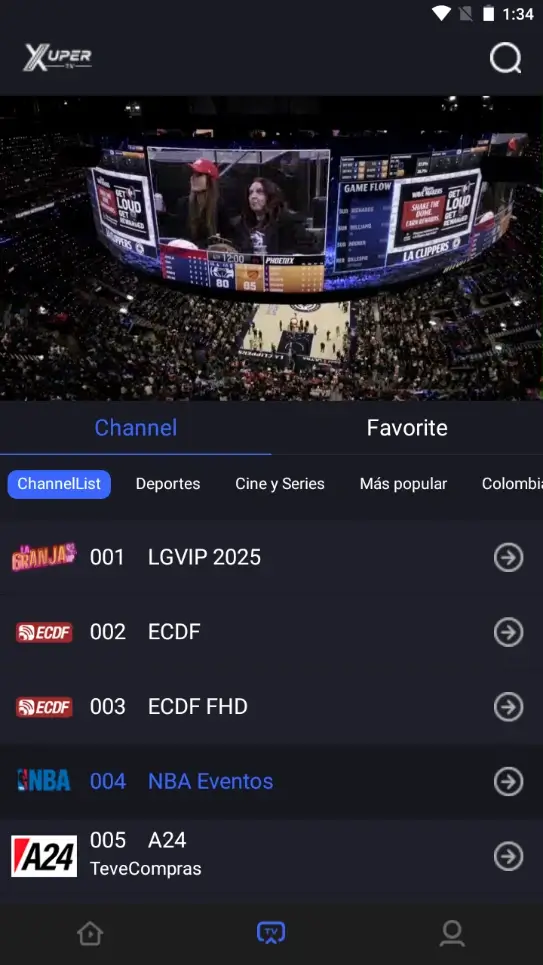
モバイル版はタッチ画面、モバイル通信、縦横回転、指での操作を前提にしています。Androidスマートフォンとタブレットではこれが基本です。PCでAndroidエミュレーターを使う場合も、TV版よりマウス操作に合いやすいため、モバイル版が扱いやすいことが多いです。
WindowsやmacOSはAPKファイルをそのまま開けません。エミュレーターの説明なしにXupertvのEXEインストーラーを提供するページには注意が必要です。信頼できるエミュレーターを入れ、モバイル版APKを正しいページから取得し、解像度、音声、ネットワークをエミュレーター内で調整するのが現実的です。
PCでの動作はAPKだけでなく本体性能に左右されます。十分なRAM、仮想化の有効化、安定した接続が、黒画面、途切れ、突然終了を減らします。テレビで見るだけなら、FirestickやTV Boxの方が自然です。
| Caso | Qué usar | Motivo |
|---|---|---|
| Celular Android | APK móvil | Interfaz táctil y descarga directa |
| Tablet Android | APK móvil | Mejor ajuste de pantalla y controles |
| Laptop Windows | APK móvil en emulador | Windows no instala APK por sí solo |
| Mac | APK móvil en emulador compatible | Depende del emulador y del chip |
| TV conectada a PC | Mejor evaluar TV Box o Firestick | El control remoto y rendimiento suelen ser mejores |
Samsung、LG、RokuでAPKを直接入れられない理由
Smart TVとAndroid TVは同じではありません。SamsungはTizen、LGはwebOS、Rokuは独自OSを使います。これらの環境では、Android APKファイルを通常の方法でインストールできません。
現実的な解決策は、対応する外部デバイスを使うことです。Firestick、Chromecast with Google TV、Android TV Box、Android TV端末を接続すれば、テレビ側にAPKを動かせる環境を追加できます。
SamsungやLGのテレビをすでに持っている場合は、Smart TVガイドで外部デバイス、画面ミラーリング、テレビストアの公式アプリのどれが合うか確認してください。互換性はブランド名ではなくOSで決まります。
| Marca o sistema | ¿Instala APK? | Solución realista |
|---|---|---|
| Samsung Tizen | No de forma directa | Firestick, Google TV o TV Box |
| LG webOS | No de forma directa | Dispositivo externo o app oficial |
| Roku | No usa APK Android | Usar canal compatible o otro dispositivo |
| Android TV integrado | Sí, si permite fuentes externas | APK TV |
| Google TV | Sí, con permisos | APK TV |
互換性を調べるときの危険サイン
対応デバイスを探す検索では、未知のファイルを試したい人を狙ったクローンも出やすくなります。Samsung、LG、Roku、iPhone、Windows、Androidすべてに同時対応と書くような万能版には注意してください。
APKはAndroid向けのパッケージです。端末がAPKを入れられないなら、名前を変えたファイルや改造版ではなく、対応する外部デバイスが必要です。
インストール前に、バージョン、だいたいのファイルサイズ、対象デバイスを確認します。これらがダウンロードページと合わない場合は、いったん止めて提供元を見直してください。
Universal promises
Be cautious with files claiming to work on every system without limitations.
Included accounts
Avoid packages that promise premium access, keys or shared accounts.
Aggressive shorteners
Several redirects are a signal to look for a clearer documented route.
1分で判断する方法
Android TV、Google TV、Fire OS、Android TV BoxならTV版を使います。Androidスマートフォンやタブレットならモバイル版です。PCならエミュレーター用のPCガイドを使います。Samsung、LG、RokuでAndroidではない場合は、APKを探す前に外部デバイスを検討します。
この分け方にすると、サイト内の導線も明確です。TVダウンロードページは大画面向け、モバイルページはスマホとタブレット向け、Firestick、Smart TV、PCはそれぞれ専用ガイドで細かい問題を扱います。このページはインストール前の判断マップです。