
The query xuper ios usually comes from people who know Xuper TV or Xupertv APK on Android and want the same experience on an iPhone. The practical answer is that iOS does not run Android APK files. If a page promises xuper apk for iOS as a direct download, treat it as risky until you can verify whether it is a real App Store app, a web app, or an unverified installer.
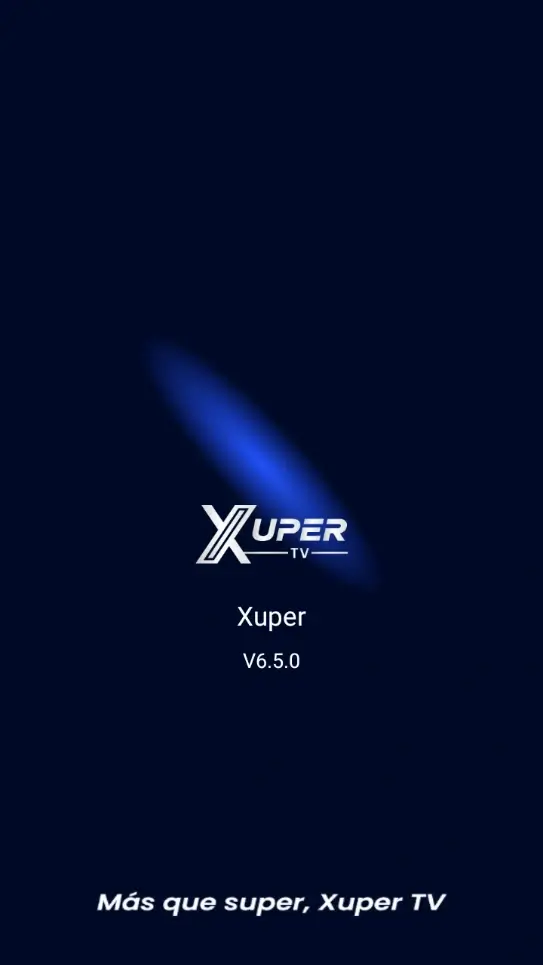
Short answer: there is no Xuper TV APK for iOS
APK is the Android installation package format. iPhone and iPad use a different app system, so tapping an APK in Safari does not make it installable. Xuper TV for iOS would only be possible as an App Store app, an official web app, or another valid iOS distribution path.
This distinction prevents a common mistake: some pages use names such as Xuper TV iOS, Xupertv iPhone, or Xuper APK for iOS to attract downloads, then deliver profiles, unknown files, or instructions that never explain the source. If a site does not separate Android from iOS, it is not a reliable source.
The xupertv iOS and Xuper TV iPhone searches usually ask for compatibility, not a universal APK. iOS requires an app built for iPhone and distributed through a valid route; a page offering an Android APK, an unexplained profile, or a shared certificate does not prove that Xuper TV for iOS exists.
| System | Can install APK | Reasonable route |
|---|---|---|
| Android phone | Yes | Mobile download |
| Android TV / Firestick | Yes | TV download |
| Windows / Mac | Not directly | Android emulator |
| iPhone / iPad | No | App Store, web, or external Android device |
How to check the App Store without confusing similar apps
The normal way to get iPhone apps is the App Store. Open it, search the name, then check the developer, screenshots, ratings, update date, and privacy details. If an app with a similar name appears, that does not automatically mean it is the same Android APK or has the same catalog.
Also separate an entertainment discovery app, a movie guide, or a list app from an IPTV app. Read the full listing before installing. If the listing does not clearly explain iPhone support, iPad support, features, permissions, and support route, do not treat it as equivalent to Xupertv APK for Android.
When checking an iPhone result, compare the App Store developer name, update history, privacy label, supported devices, and official support link. A similar icon or brand-like title is not enough. If those details do not match a verifiable publisher, do not call it the iOS version of the Android APK.
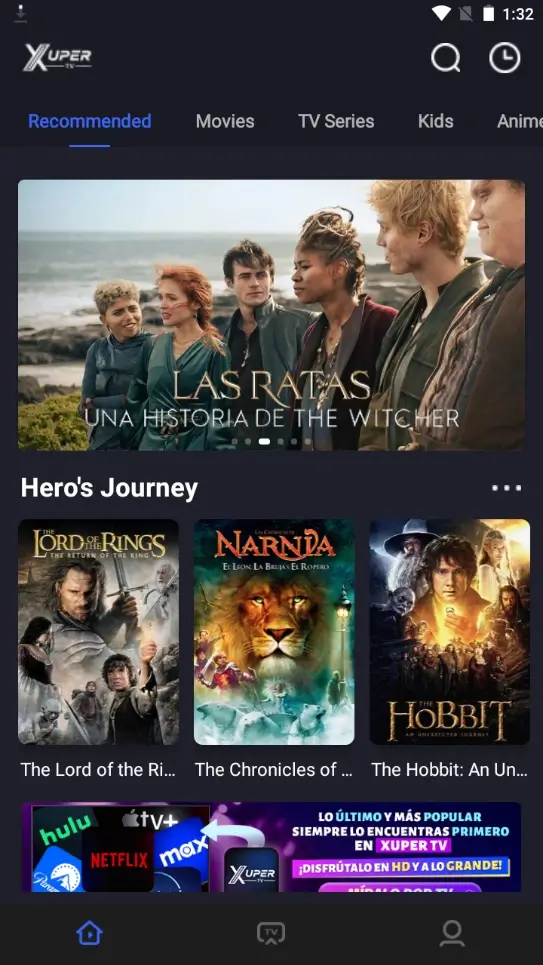
Real options if you use iPhone
If your goal is to watch from an iPhone, the safest path is an iOS app available legally in your region or a Safari-compatible web service. If you already use Xupertv at home, another option is to install the APK on a compatible Android device and use that setup instead of forcing the APK onto iOS.
For a large screen, Android TV, TV Box, or Firestick avoids iPhone friction. For a computer, the route is an Android emulator. Each option has a different limit, so this page does not replace the TV, Android mobile, or PC guides.
Risks of profiles, certificates, and universal versions
Be careful with pages that ask you to install configuration profiles, enterprise certificates, shared accounts, or files that claim to work on Android, iPhone, Windows, Samsung, LG, and Roku at the same time. Such broad compatibility without a technical explanation is usually a warning sign.
In some countries or regions, Apple allows alternative app distribution under specific conditions, but that still does not turn an Android APK into an iOS app. Even outside the App Store, the app must be built for iOS and follow an iOS-compatible flow.
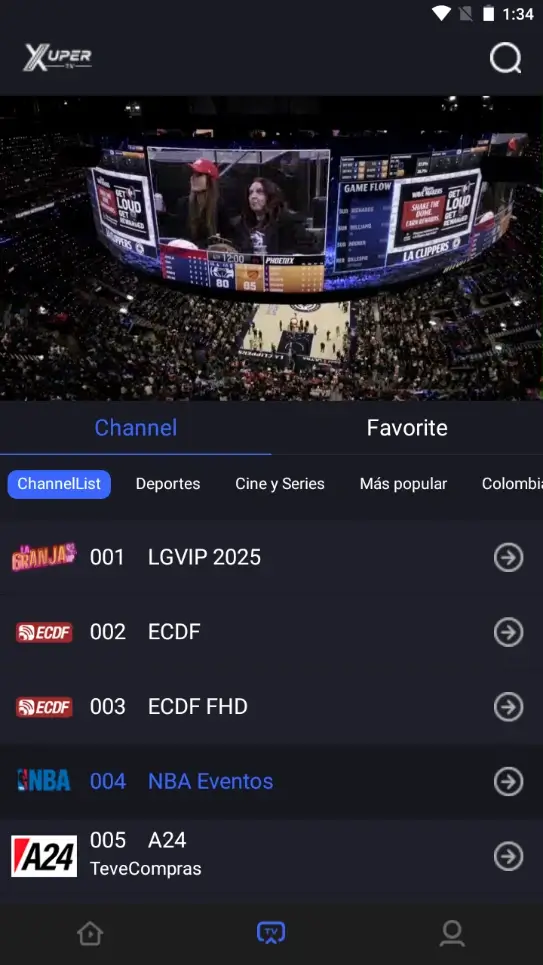
Quick answer
Use the routes above to keep Android APK installation separate from iOS app distribution. The goal is compatibility clarity, not another risky download.
Quick answer
Use the routes above to keep Android APK installation separate from iOS app distribution. The goal is compatibility clarity, not another risky download.
Quick answer
Use the routes above to keep Android APK installation separate from iOS app distribution. The goal is compatibility clarity, not another risky download.
Quick answer
Use the routes above to keep Android APK installation separate from iOS app distribution. The goal is compatibility clarity, not another risky download.
iPhone vs Android: why the instructions change
On Android, you can allow installation from unknown sources and open an APK file. On iPhone, the normal flow goes through the App Store or authorized iOS mechanisms depending on region, system version, and developer. Copying Android steps to iOS does not work.
The right decision depends on the device you already have. If you want the Xupertv APK experience described on this site, use Android. If you only have iPhone, prioritize App Store apps, legal web options, and verified streaming paths before touching unverified installers.
| System | Can install APK | Reasonable route |
|---|---|---|
| Android phone | Yes | Mobile download |
| Android TV / Firestick | Yes | TV download |
| Windows / Mac | Not directly | Android emulator |
| iPhone / iPad | No | App Store, web, or external Android device |
Verdict: when Xuper TV iOS is worth searching
Searching Xuper TV iOS makes sense when you want to confirm compatibility before installing anything. The safe answer is not to download APK files for iPhone. Check the App Store first and, if there is no clear iOS version, use a compatible Android device or a verified iOS alternative.
Do not turn a compatibility search into a risky installation. The technical boundary is simple: APK belongs to Android. iOS requires iOS apps. Keeping that boundary clear reduces errors, suspicious profiles, and downloads that promise too much.