
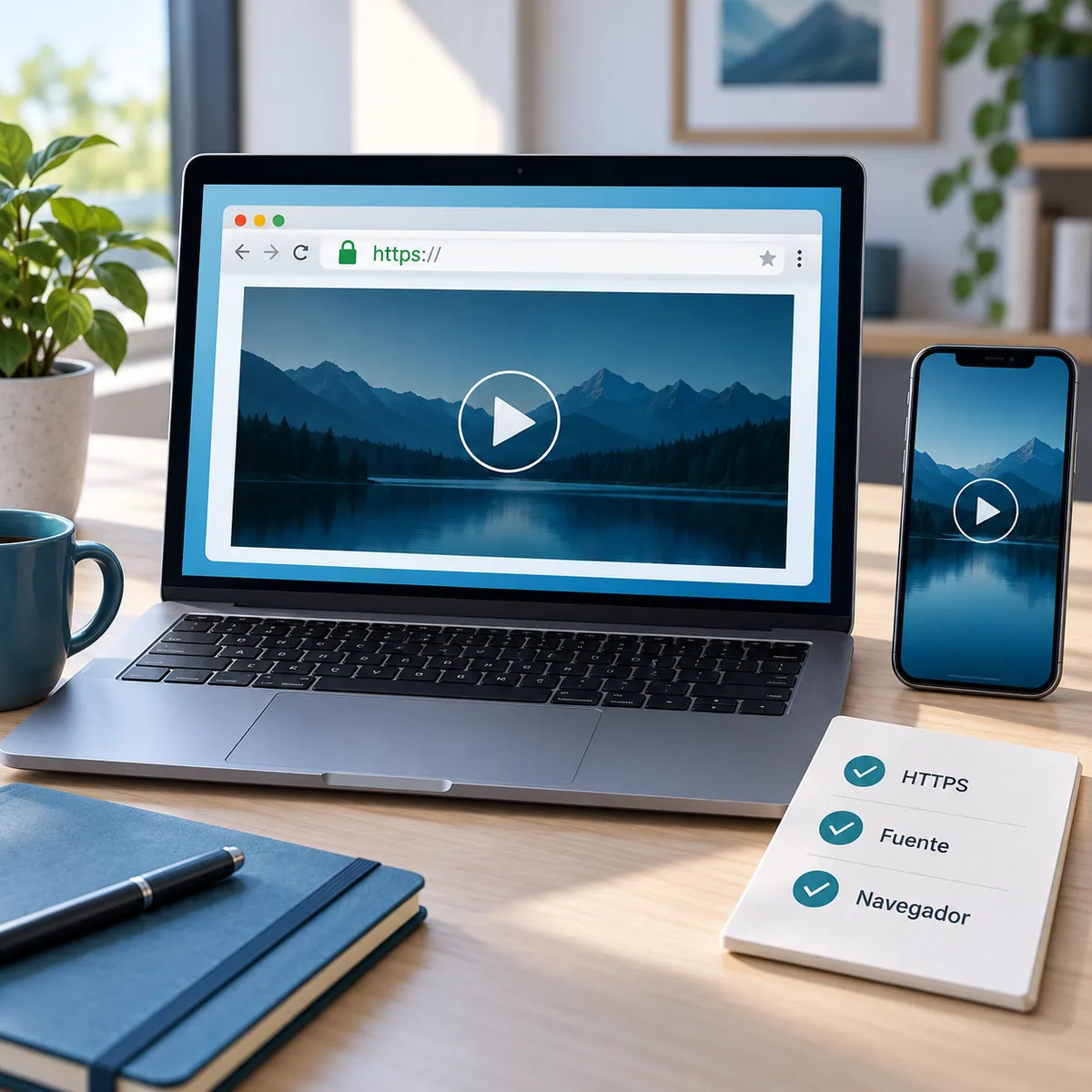
The query xuper tv online can describe several different jobs. Some people want a playback page, some want to open the service without installing an app, and others only want to know which site is genuine. These are separate workflows. A website runs in a browser, an APK needs Android, and an emulator creates another environment on a computer. This guide cannot confirm a stable first-party Xuper TV web address, so it does not invent a domain, account or download button. It gives you a repeatable check and links to the site's device and troubleshooting guides.
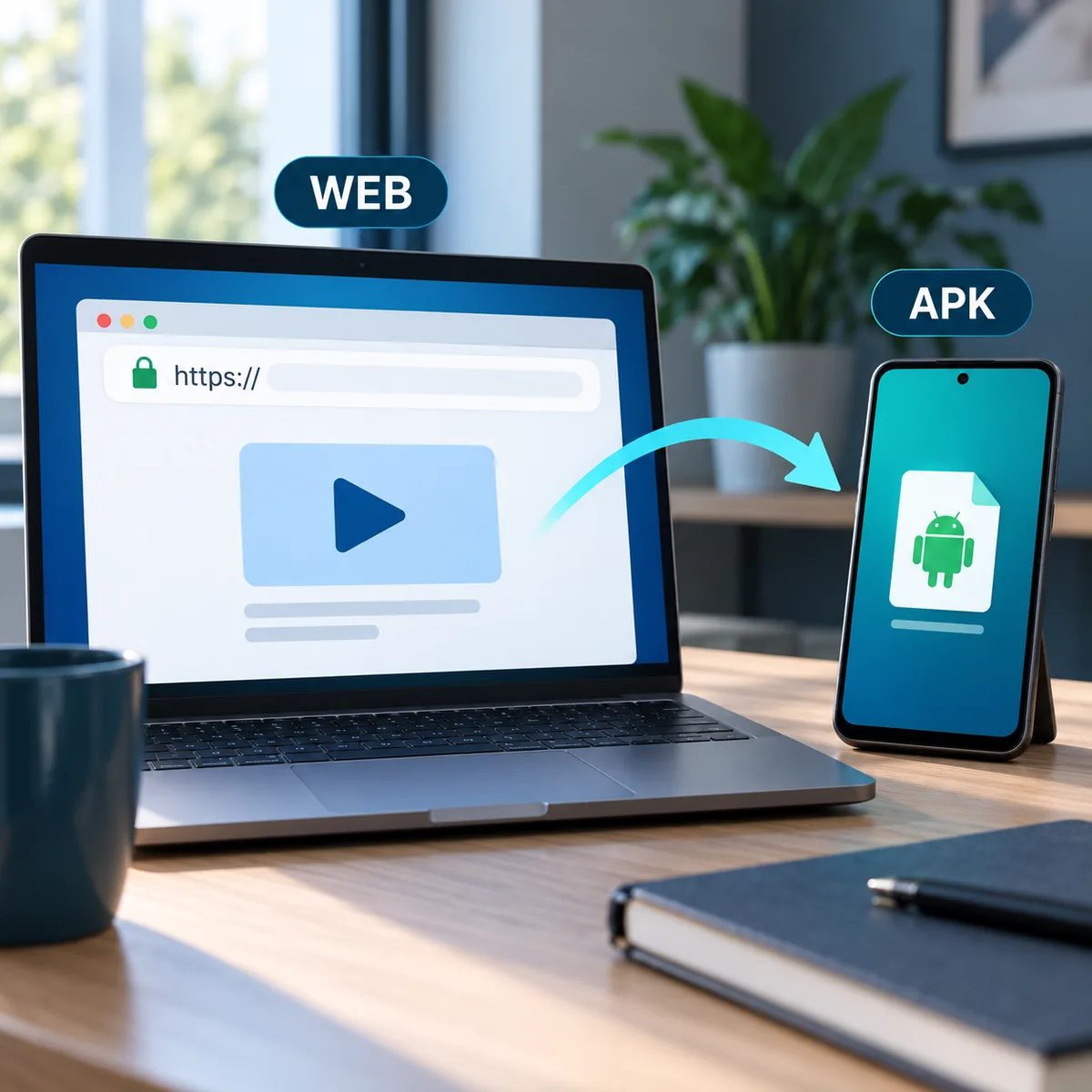
What Xuper TV online actually means
An online search may lead to a playback page, an APK listing or a video explaining an installation. The labels look similar, but the workflow is different. In a browser you enter an address and expect an HTTPS page that explains who runs it, what data it requests and how to sign in or out. On Android you download a package, grant permissions and depend on the system version and device architecture.
Do not judge authenticity by a familiar color scheme, a visitor counter or a phrase such as premium version. A domain can copy a logo without being the service owner. A useful check is simple: write down the full address, watch every redirect, inspect the browser certificate and read the privacy information before entering an email, password or code.
If a page only offers an APK button, you have not found web access. If it opens a player but does not explain the service, treat it as unverified. You can keep reading without installing anything and decide later which route matches your device.
Web, APK and emulator are different tasks
The table below prevents a common mistake: applying one platform's instructions to another. A web page needs a compatible browser. A mobile or TV APK needs Android and may require touch controls or a remote. An emulator opens an APK inside Windows or macOS, but it adds memory use, controls and another configuration layer.
Choose the outcome first. If you only want to test whether a usable website exists, start with the browser. If you already have a file and an Android TV Box, read the TV Box guide. If you need a computer, the PC guide explains the emulator; do not turn a website into a native Windows installer.
| Route | Needs | Does not prove |
|---|---|---|
| Web browser | HTTPS URL, current browser and stable network | That an official APK exists |
| Mobile or TV APK | Compatible Android, storage and controlled permissions | That the host domain is official |
| PC emulator | Windows/macOS, emulator and enough resources | That a native PC build exists |
| Video link | Source and a checkable date | That a code or domain still works |
How to check access in a browser
Start on a device without sensitive data. Open an updated browser, type the address yourself and check whether HTTPS appears with a valid certificate. The padlock encrypts the connection; it does not prove that Xuper TV operates the domain. Also check whether the address changes several times before content appears.
Read the page header and footer. The operator, contact route and data practices should be understandable. Close the tab if it hides its identity, forces a download or opens prompts for extensions. Do not allow notifications to unlock a video and do not run a file that the browser downloads without an explanation.
Test the flow without signing in. Confirm that a preview loads, the play and pause controls respond and the browser does not request unrelated permissions. If it asks for an email, password or code, make sure the address stays on the same domain and the privacy notice describes how those details are used.
Finally, record the date, device and exact error. A website that works today can move tomorrow. A short note prevents you from repeating passwords on mirrors and helps you compare the symptom with the troubleshooting guide.
HTTPS is not identity
The padlock protects transport, but it does not identify the operator. Look for service information and avoid opaque redirects.
Test without credentials
Open a public view first. If a window asks for a password or code before explaining the service, stop and check the domain.
Record the context
Save the date, browser and error text. This helps separate a temporary outage from a page that changed source.
Signs that a page cannot be verified
Do not call a site official because its title contains Xuper TV. Warning signs include several domain changes, a main button that downloads an unexpected file, or a promise of unlimited access without any service explanation. Be careful with a player surrounded by surveys, offers and notification requests.
A Downloader code or short URL is a third-party instruction, not an identity. Review the source page, date and final destination before entering it. If a code appears without context or asks you to disable device protection, do not use it. The site's code guide can help you recognize the difference; it cannot validate an untraceable number.
The absence of a verifiable first-party URL is useful information. Do not fill that gap with the first mirror you see. Keep the browser updated and switch to a device guide if you actually need Android TV, Firestick or PC installation.
| Signal | Why it matters | Prudent response |
|---|---|---|
| Several redirects | The real destination is hidden | Close it and type a checkable URL |
| APK with no context | Package, version and permissions are unclear | Do not open it; review source and compatibility |
| Notification prompt | It is not needed to test a video | Block the request and leave the tab |
| Premium promise | Marketing text is not identity | Look for operator details and avoid credentials |