
When people search for Xuper TV on Apple TV, the first decision should not be a download. It should be the operating system. Apple TV runs tvOS, while an APK is an Android installation package. A page offering an alleged Apple TV APK therefore does not prove compatibility. This guide separates installation, AirPlay and alternatives so you can check an app without handing data to an unknown source.
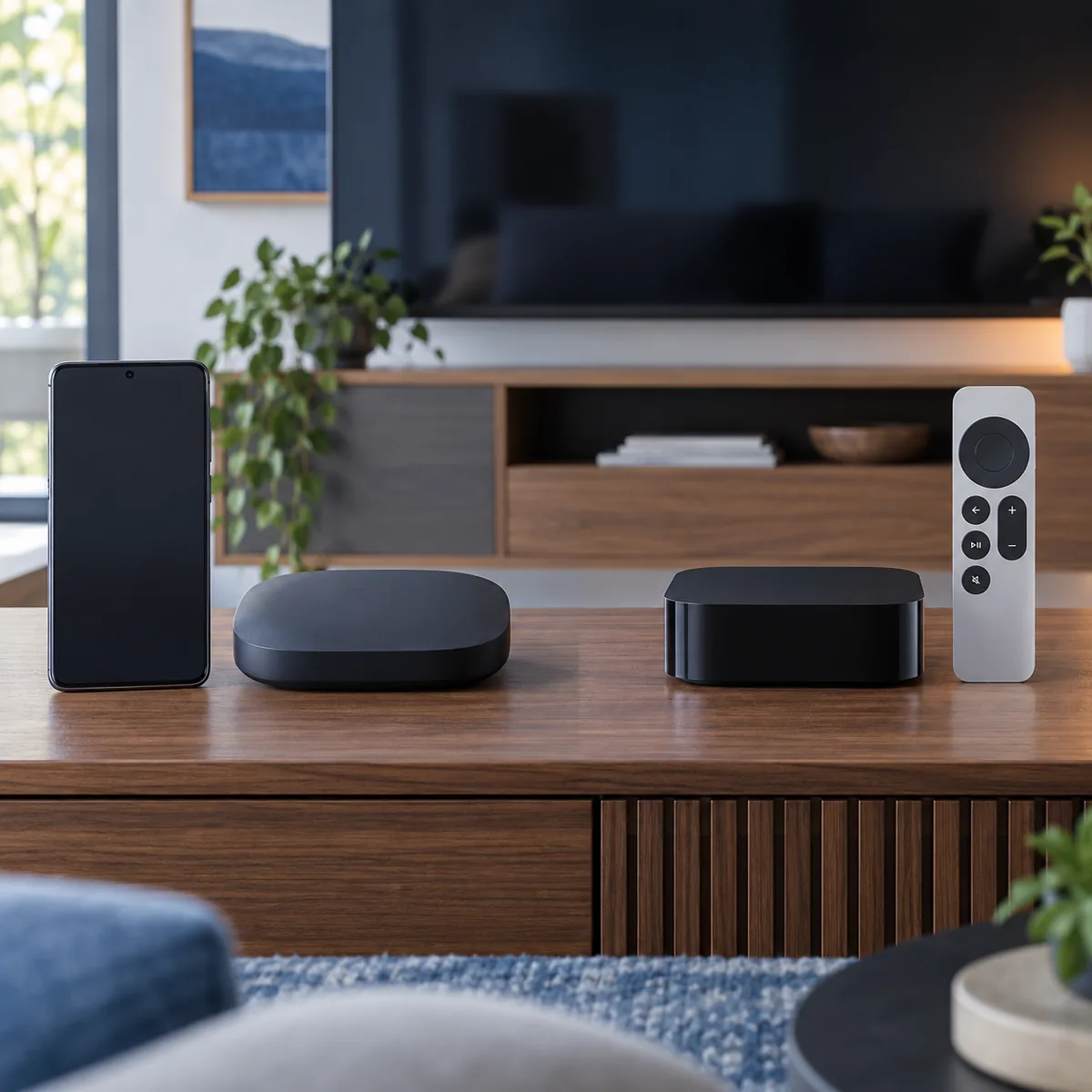
Can you use Xuper TV on Apple TV?
A compatibility search is not the same as a confirmed download. Apple TV runs tvOS and distributes its apps through Apple's App Store. Xuper TV, when offered as an APK, uses Android's installation format. An APK does not become a tvOS app because you rename it, add a different extension or open the download from a browser.
The practical answer is to check whether a native Apple TV app appears in the App Store and who publishes it. If there is no verifiable listing, do not claim that Xuper TV for tvOS exists. A page promising one universal version for Apple TV, Android, Roku and Windows may be mixing products or sending visitors to an unverified download.
| Route | What it means | What to check |
|---|---|---|
| Native tvOS app | An app built for Apple TV | App Store listing, developer and version |
| Android APK | An Android package, not tvOS software | An Android device and file source |
| AirPlay | A stream from another device | Sender app and network support |
| Browser or web service | Playback without the APK | Domain, privacy and available controls |
Apple TV and tvOS: why an Android APK cannot install
An APK contains an application compiled for Android. tvOS uses different packaging, APIs, signing and distribution rules. Even when both devices connect to the same television or home network, they do not share an installer. Copying an APK to a USB drive, uploading it to iCloud or opening a download link on Apple TV does not change that boundary.
The Apple TV menu can show apps with similar names, but a matching title or icon does not prove that it is the same service. Read the full listing, publisher, update date, in-app purchases, privacy details and support link. If the listing does not clearly describe the function you want, treat it as a different app.
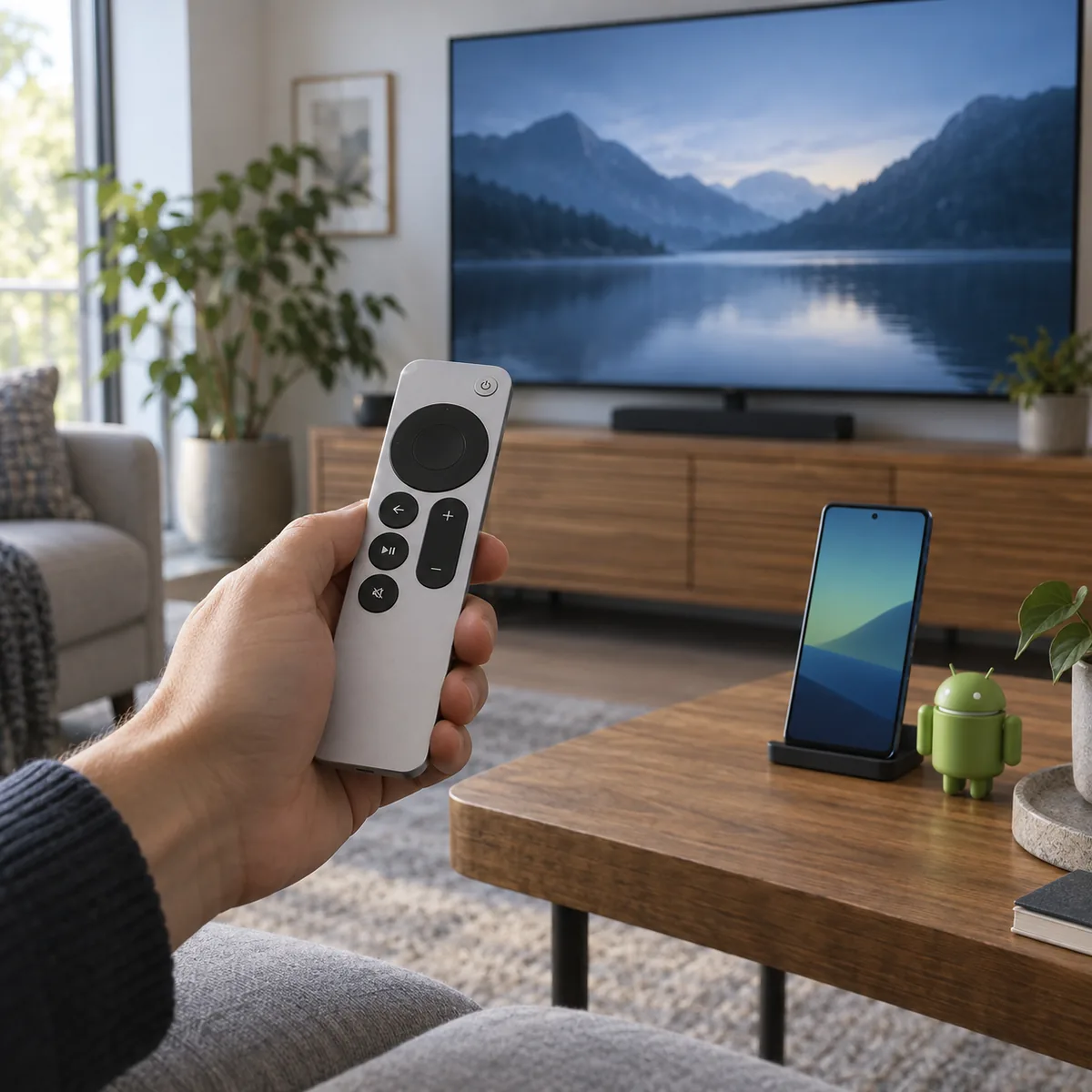
How to check an Apple TV app without confusing names
Start in the Apple TV App Store or an official Apple listing for the device. Search Xuper TV and reasonable name variations, but do not decide from a result that only shares two words. The developer, screenshots, category, permissions and support link should describe the same app. Save the exact name if you need to compare it with another source.
Then check whether the app supports Apple TV or only iPhone and iPad. Some listings let you buy a mobile app without including a tvOS version. An app that opens on iPhone may be able to send content with AirPlay, but that does not guarantee a native interface, remote controls or stable playback on Apple TV.
| Check | Useful signal | Warning signal |
|---|---|---|
| Developer | A named publisher and support path | Hidden or generic editor |
| Compatibility | Apple TV or tvOS is explicit | It only says iPhone or Android |
| Update | Visible version and history | A latest-version claim with no date |
| Privacy and permissions | A readable explanation | A profile, certificate or shared login |
What to do when you search for Xuper TV on Apple TV
Define which device you already have and what result you need. With an iPhone, check a native iOS app or a compatible web option; with Apple TV, look for a tvOS app or a documented casting feature. With Android TV, a TV Box or Firestick, you can follow the Android APK route that matches the device, while checking the source and system requirements.
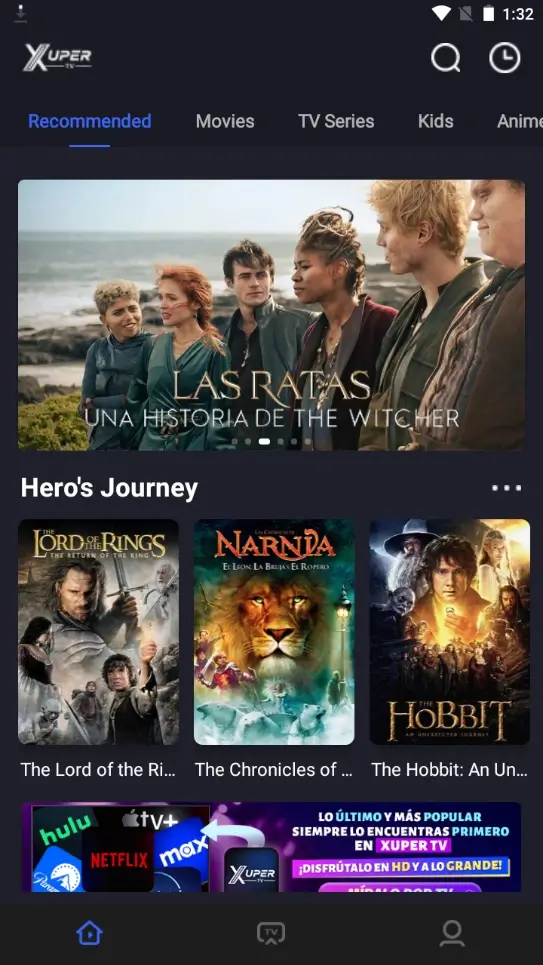
Another option is to run the app on an Android phone or Android TV box connected to the television. That does not turn Apple TV into Android; it changes the device that runs the application. The remote, audio, resolution and network should be tested on that separate device, and AirPlay should not be presented as a fix for every player.
AirPlay, casting and the difference from installing an app
AirPlay sends audio, video or a screen from a compatible device to Apple TV. The phone or tablet continues to run the app while Apple TV receives the stream. A native tvOS app is installed and controlled on Apple TV itself. This difference matters when a download page claims to offer Apple TV support but only gives screen-mirroring instructions.
| Feature | tvOS app | AirPlay from iPhone |
|---|---|---|
| Where it runs | Apple TV | iPhone or iPad |
| Main control | Apple TV remote | Sender device and its controls |
| Needs an APK | No | No |
| Main weak point | No native app | Network, permissions or player limits |
Profiles, certificates and universal compatibility claims
A promise such as “Xuper TV for Apple TV, iPhone, Roku and Android in one file” deserves a pause. Each platform has different signing, store and playback capabilities. A broad advert does not replace an official listing or a technical explanation. When a page avoids naming the publisher, you also have no basis for calling it official.
Check the store
The App Store should show the publisher, platform and a description that actually fits Apple TV.
A certificate is not compatibility
An enterprise profile or shared certificate does not turn an Android APK into a tvOS app.
Protect your account
Never give an email, password or code to a page promising to activate a universal version.
Stop redirect chains
If a button opens several windows, a shortener or an installer without a publisher, return to the platform source.
Choose another route: Android TV, TV Box, Firestick or mobile
The best alternative depends on the result you want, not just the device name. Android TV and TV Boxes can run a compatible Android app; Firestick has its own installation steps and controls; an Android phone offers a smaller screen but makes it easier to inspect a file. These routes are not Apple TV, so each needs the matching guide and source.
| Device | Reasonable route | Limit to accept |
|---|---|---|
| Apple TV | A tvOS app or compatible AirPlay | It does not install Android APKs |
| Android TV | A TV APK with controlled permissions | Source and architecture matter |
| TV Box | An Android build that fits the box | Some models have little storage |
| Firestick | Downloader guide and TV build | Remote and storage differ |
| Android phone | A checked mobile build | It is not an iOS app |
Verdict: which route makes sense for Xuper TV on Apple TV
The Xuper TV on Apple TV search should end with an App Store and platform check. If you find a verifiable tvOS listing, review its publisher, version, permissions and support before installing. If you do not, do not download an Android APK or accept a profile simply because the advert uses the Xuper TV name.