
Xuper Hydra and Xuper TV Hydra appear together in searches about APK files, Android and streaming. The careful answer is not to choose the first download button: as of August 6, 2026, we did not find a developer page, GitHub release, Google Play listing or app-store entry that independently confirms Xuper Hydra as an official Xuper TV branch. This page is therefore a verification guide, not a certification of the file and not a direct APK link.
What Xuper Hydra means and what the name does not prove
Xuper Hydra may appear as Xuper Hydra APK, Xuper TV Hydra, Xuper Hydra app or Xuper Hydra for Android. These variants show how people search, but they do not prove that every file comes from the same developer. A label repeated across mirrors is not an official release record.
Searches for a streaming app often surface videos, download pages, package names and version numbers that do not agree. The first question should be who publishes the file and how that identity can be checked. If the only evidence is a video, short link or page copying itself, verification is incomplete.
Do not automatically merge Xuper Hydra with Xuper TV, Magis TV, Super TV or another similarly named app. Use the Xuper TV version guide to separate known routes, but do not treat it as proof that Hydra is the same application.
| Search | Safe interpretation | Recommended action |
|---|---|---|
| xuper hydra | A searched product or variant name | Look for the publisher identity |
| xuper hydra apk | Intent to download an Android package | Do not install without a verifiable source |
| xuper tv hydra | A relationship that still needs proof | Do not present it as equivalent |
| download xuper hydra | Transactional download intent | Check destination, domain and permissions |
| xuper hydra pc | Intent to use Android on a computer | Use the PC guide, not a native APK claim |
How to check the source before installing Xuper Hydra APK
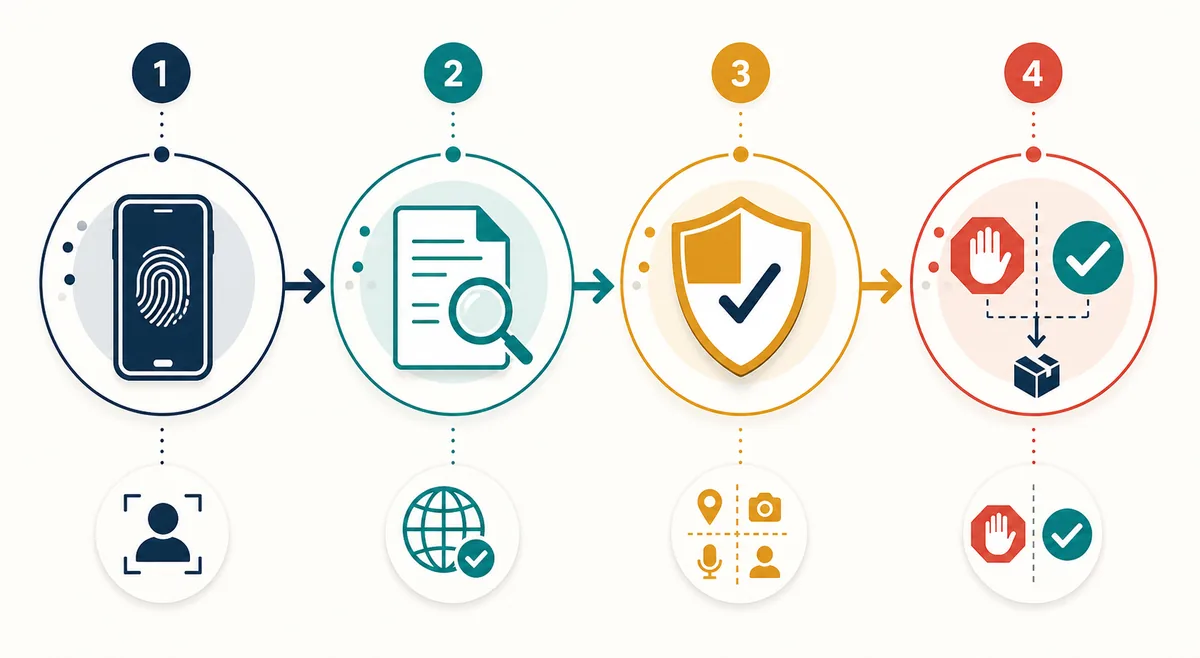
Start with the source, not the button. A reasonable source explains who publishes the app, which device it supports, which version it offers, how errors are handled and where changes are documented. A countdown, duplicate button or premium-access promise is not enough context for installation.
Next, check the file name and package identifier in the installer or app details. A name that changes between pages, a package belonging to another app or a file described as TV that opens a mobile interface are reasons to stop. Do not chase an old version just because a number appears repeatedly.
Finally, review permissions. A video app may need network access, but an unexpected request for SMS, contacts, accessibility or device administration needs independent explanation. A file named Xuper Hydra does not make an unusual permission acceptable.
| Check | What to look for | If it does not match |
|---|---|---|
| Publisher and domain | Consistent identity and real contact details | Do not install |
| Android package | Same name at the source and in the installer | Close and delete the file |
| Permissions | Reasonable access for the stated function | Deny or uninstall |
| Play Protect | No warning and an understandable source | Quarantine and review |
Choose the device route, not just the Hydra name
An Android APK does not behave the same on every device. A phone needs a touch interface and an Android version; Android TV or a TV Box needs remote control navigation, landscape layout and visible focus; a PC needs an emulator; Roku OS and iOS are not native destinations for an Android APK.
If you are installing a known Android app on the right device, use the site's existing compatibility guides as a map. That does not confirm Xuper Hydra is the same app, but it prevents a common mistake: downloading a TV file for a phone or trying to open an APK on Roku or iPhone.
For PC, do not use an installer that promises a native Windows edition without explaining its publisher. The Xpertv PC guide describes an Android-emulator route and should remain separate from any unverified Hydra file.
| Device | What to check | Reference route |
|---|---|---|
| Android phone or tablet | Android version, touch UI and permissions | Mobile download |
| Android TV or TV Box | Remote control, layout and storage | TV compatibility guide |
| Windows or Mac | Emulator and APK source | Xpertv PC guide |
| Roku or iPhone | Do not accept Android APKs as native installs | Review platform-compatible alternatives |
What to do if you find a Xuper Hydra download button
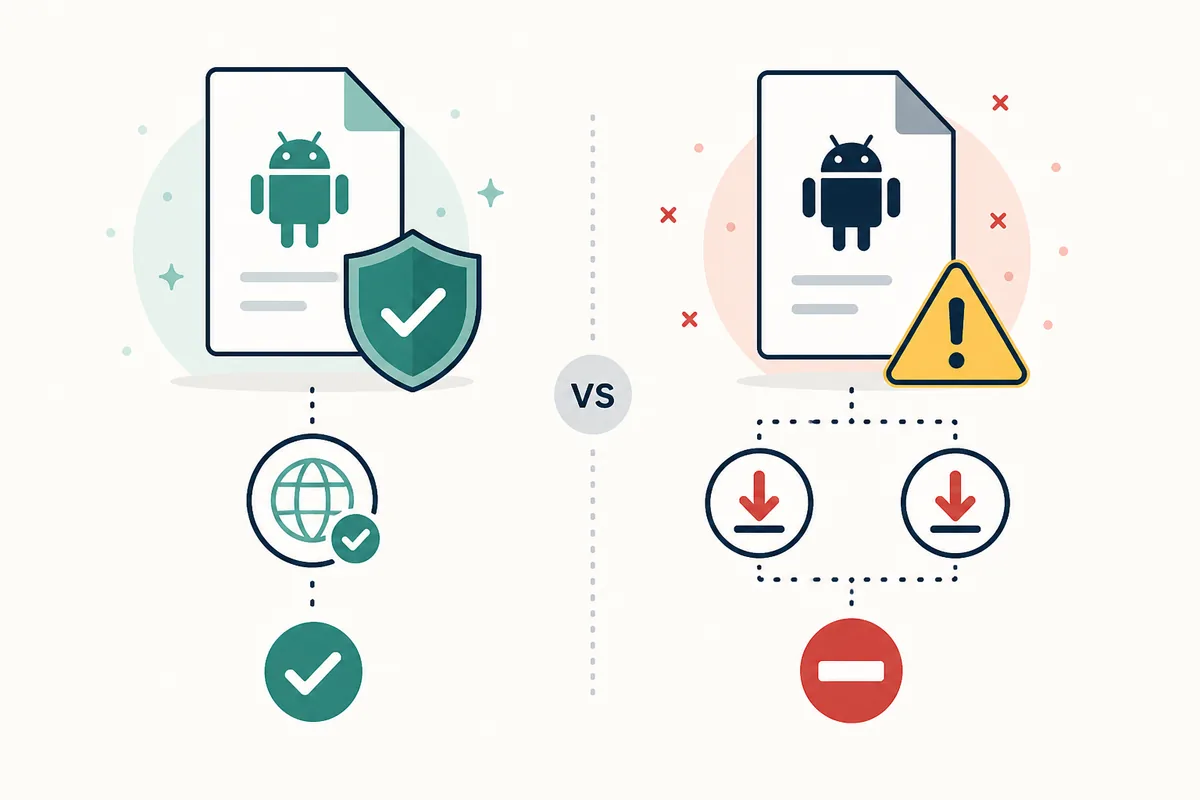
Do not share a link just because the file downloads. Record the domain, check whether it changes during redirects and compare the package name with the page's claim. A domain using words such as premium, mod, full or no registration is not proof of legitimacy.
If you continue with an external app, download only one copy, keep the source page and use the security tools available on the device. Play Protect can warn about harmful apps, but the absence of a warning does not automatically make an unknown app safe.
After installation, turn off the permission to install unknown apps for the browser or file manager that used it. If the app asks for credentials, redemption codes or permissions unrelated to its function, stop and use the site's account or troubleshooting guide instead of adding another APK.
| Signal | Why it matters | Decision |
|---|---|---|
| Premium or mod promise | May contain unaudited changes | Avoid |
| Repeated redirects | The origin is harder to identify | Close the page |
| Excessive permissions | They do not fit a video app | Do not grant them |
| File without context | Publisher and version cannot be checked | Do not install |
If you already installed Xuper Hydra, check these signals
Open Android settings and review the app information: name, icon, version, permissions and install source. Compare those details with the page you used. If the package, visible name or permissions do not match, do not log in or enter payment codes.
If you see pop-ups outside the app, unusual battery or network use, redirects, accessibility requests or alerts that cannot be closed, uninstall the app, run a security check and change any password entered in it. Then delete the downloaded APK and revoke the external-source permission.
Playback failure alone does not prove that a new Hydra version exists. It may be caused by the network, device, server or incomplete installation. Separate the technical problem from the file identity and use the Xuper TV troubleshooting guide only when the installed product is clearly identified.
| Signal after installation | First action | Avoid |
|---|---|---|
| Unexpected permissions | Deny them and review the source | Accepting by habit |
| Pop-ups or redirects | Uninstall and scan | Entering credentials |
| No playback | Check device and network | Finding a random APK |
| Unknown package | Delete the file | Sharing it as official |