
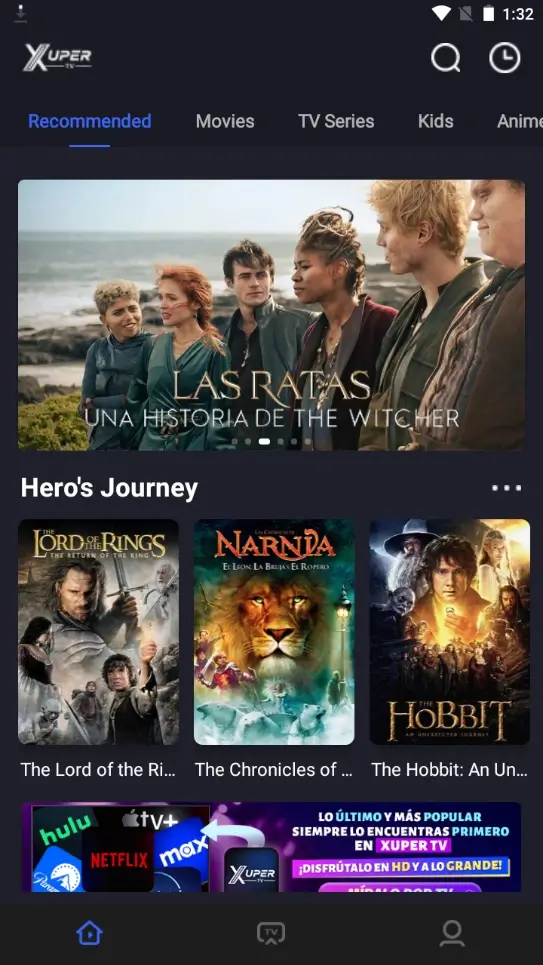
The practical answer is not yet if all you see is an update or VIP screen without a verifiable business identity, total price, renewal period, cancellation policy, and support channel. Similarweb returned no English keyword-generator records for “is Xuper TV worth paying for,” while the Spanish query showed a sharp current spike. That makes this primarily a Latin American decision problem, not permission to invent English demand or prices. On July 25, 2026, we checked store listings, download destinations, and public reports and found conflicting versions and billing claims rather than one universal official price list.
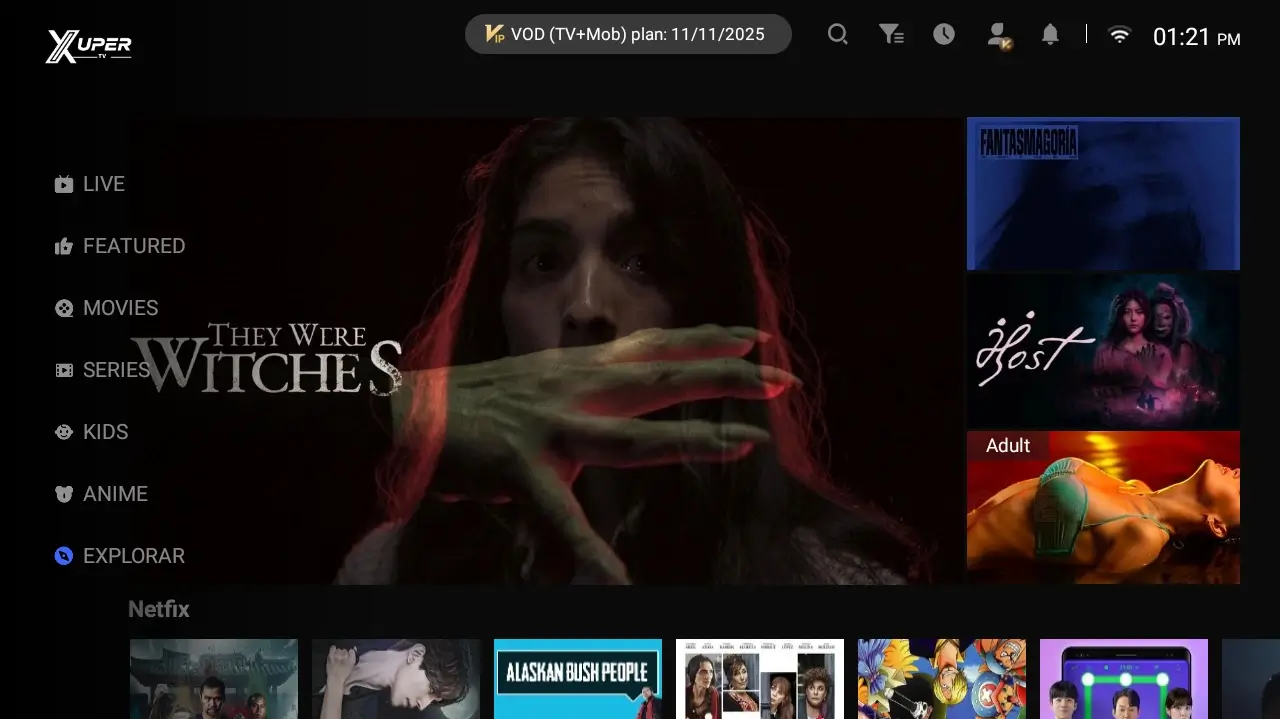
Is Xuper TV worth paying for? Our verdict
Consider payment only when you can identify the merchant, see the final amount in your currency, understand whether renewal is monthly or annual, read the cancellation process before accepting, and receive a usable receipt. If one of those elements is missing, stop. A low advertised price does not offset an exposed card, an unclear recurring charge, or an APK whose origin cannot be established.
We also do not recommend hunting for an old build merely to bypass payment. Older packages may contain unresolved defects, use dead servers, or carry a different signature, while third-party Downloader codes may resolve to another file entirely. The real questions are who receives the money, what service is contracted, and what remedy exists if access disappears.
| Situation | Recommended decision | Reason |
|---|---|---|
| Merchant, price, and cancellation are verifiable | Compare before paying | You still need to assess legality, catalog, and support |
| Only a VIP screen is shown | Do not pay | No responsible business or contract is identified |
| Bank transfer, ID, or chat payment requested | Stop | Recovery and disputes may be difficult |
| App comes from an official store | Review the listing | Confirm developer, purchases, and privacy |
| APK comes from an anonymous code or link | Do not install or pay | Source and version cannot be verified |
What we verified on July 25, 2026
The website previously cited by this project as a source was unavailable during this review. The current TV button leads to an HTML verification funnel rather than a stable APK file. That destination mentions Windows/macOS and version 2.5.1, details that conflict with the local TV listing. The mobile button leads to a MediaFire page named Xuper_TV_7.0.apk while the site still displayed v6.5.0. That mismatch prevents us from describing it as a verified final download.
We also found similarly named apps in Google Play and the App Store, but their developers and functions do not establish that they are the Android streaming app distributed by third-party download pages. Recent community reports describe region-specific charges, forced membership updates, and attempts to keep older builds. Those reports are useful investigation leads, not official pricing documentation or a security guarantee.
Seven checks before paying for a subscription
Complete the review before entering personal data. Save the price and terms for your records, but do not treat a screenshot as proof of legitimacy. Look for the merchant’s legal name, a matching domain, support available outside a private chat, and a policy explaining renewal, tax, refunds, account deletion, and the exact service you receive.
On Android, also review the package source, developer name, version, and requested permissions. Google Play Protect can scan apps, but a website badge does not replace a verified store listing or a reproducible signature. A streaming app should not need contacts, SMS, tax identifiers, or broad file access without a clear feature-based explanation.
Merchant identity
Legal name, country, contact, and domain should agree.
Total price
Currency, tax, period, and renewal must appear before payment.
Cancellation and refund
Verify the method and deadline, not a chat promise.
App origin
Check store, developer, package, version, and permissions.
Is Xuper TV free or paid? Why answers conflict
Public evidence does not show one consistent model. Some pages describe Xuper TV as free, while others mention VIP access, mandatory charges, or regional differences. Without release notes and prices published by an identifiable first party, those claims cannot become a universal rule. What appears on your screen may depend on the installed file, country, update path, or even a clone.
That is why this guide does not present any amount as the official Xuper TV price. If an app displays a charge, compare it with contractual terms hosted by the same provider and the merchant name that will appear on your statement. Do not rely on copied tables, social screenshots, or sellers offering account activation by transfer. Leave when the amount changes at the final step.
Pluto TV vs Xuper and other legal alternatives
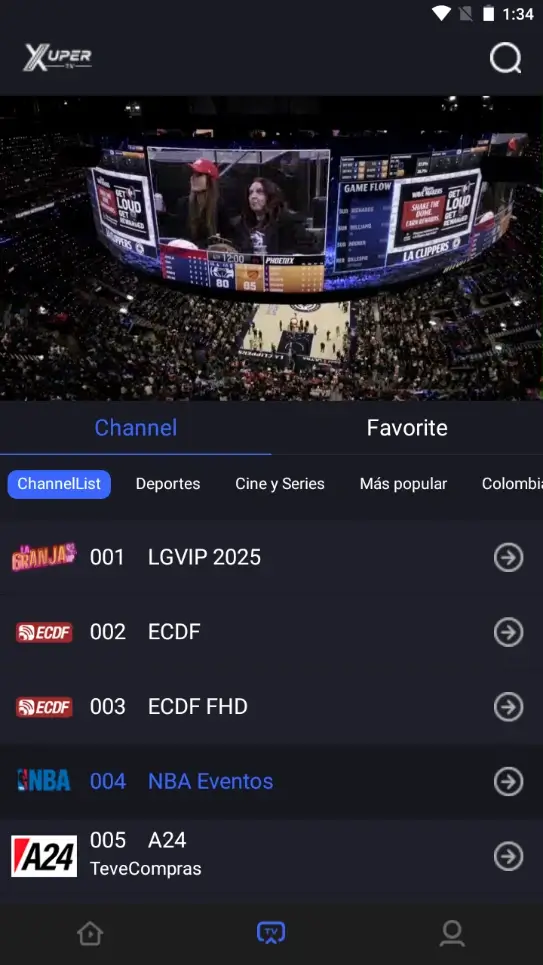
The Spanish related-keyword tab returned “Pluto TV vs Xuper” with window volume 100 and difficulty 3. It does not justify a separate page because the site already has an alternatives guide; here it supports the payment decision. Pluto TV, ViX, and official YouTube channels provide ad-supported content through recognizable stores in supported markets. Catalogs vary by country, but provider identity, privacy information, and support are easier to verify.
If you need specific releases, sports, downloads, or ad-free viewing, compare a licensed subscription available in your country. Check included titles, simultaneous devices, renewal price, and cancellation. Paying for a service with identifiable rights and terms usually reduces the risk of broken domains and unknown APKs, although no catalog is guaranteed to keep every title forever.
| Need | Route to compare | What to check |
|---|---|---|
| Free ad-supported channels | Pluto TV / ViX / YouTube | Local availability and catalog |
| Specific movies and series | Licensed subscription services | Rights, price, and cancellation |
| Local live television | Broadcaster or operator apps | Coverage and authentication |
| Your own media | Plex/Jellyfin with lawful files | Hardware, network, and usage rights |
What to do if you already paid or see an unexpected charge
Keep the receipt, exact merchant descriptor, date, currency, and the terms shown at purchase. Cancel through the documented channel and request written confirmation. If payment went through an official app store, use its purchase history and support. For card payments, inspect the statement to determine whether the charge is one-time or recurring.
If you do not recognize the charge, the amount differs, or the seller does not respond, contact your card issuer or payment provider immediately. The FTC explains the United States card-dispute process; elsewhere, follow your bank or consumer authority’s deadline. Change reused passwords and never send more identity documents merely to “unlock” a refund.
Version, download, and the limits of this guide
This is a decision guide, not a membership seller or APK verifier. We did not find an available, stable first-party source confirming a newer release, release date, single file size, and universal price. The site’s download buttons therefore need to be treated as source or verification pages rather than verified official final files.
We do not recommend old versions, mods, or “free premium” APKs. Use the compatibility guide for device questions and the troubleshooting guide when the app fails without surrendering credentials. If your main goal is simply to watch content, compare legal alternatives first. The safest purchase is one you can document, cancel, and connect to an identifiable provider.